Everything Wird can do: a short guide to every feature
Wird has grown over time. What started as a simple way not to lose your place in reading now carries listening, hifz, tajweed, tadabbur, word meanings and much more. Many people use two or three things and never really find out what sits behind the other buttons. So we gathered everything in one place: each feature gets a few pictures and one paragraph. You don't have to read in order; just jump to whatever interests you at the moment.
Your daily wird and the mihrab
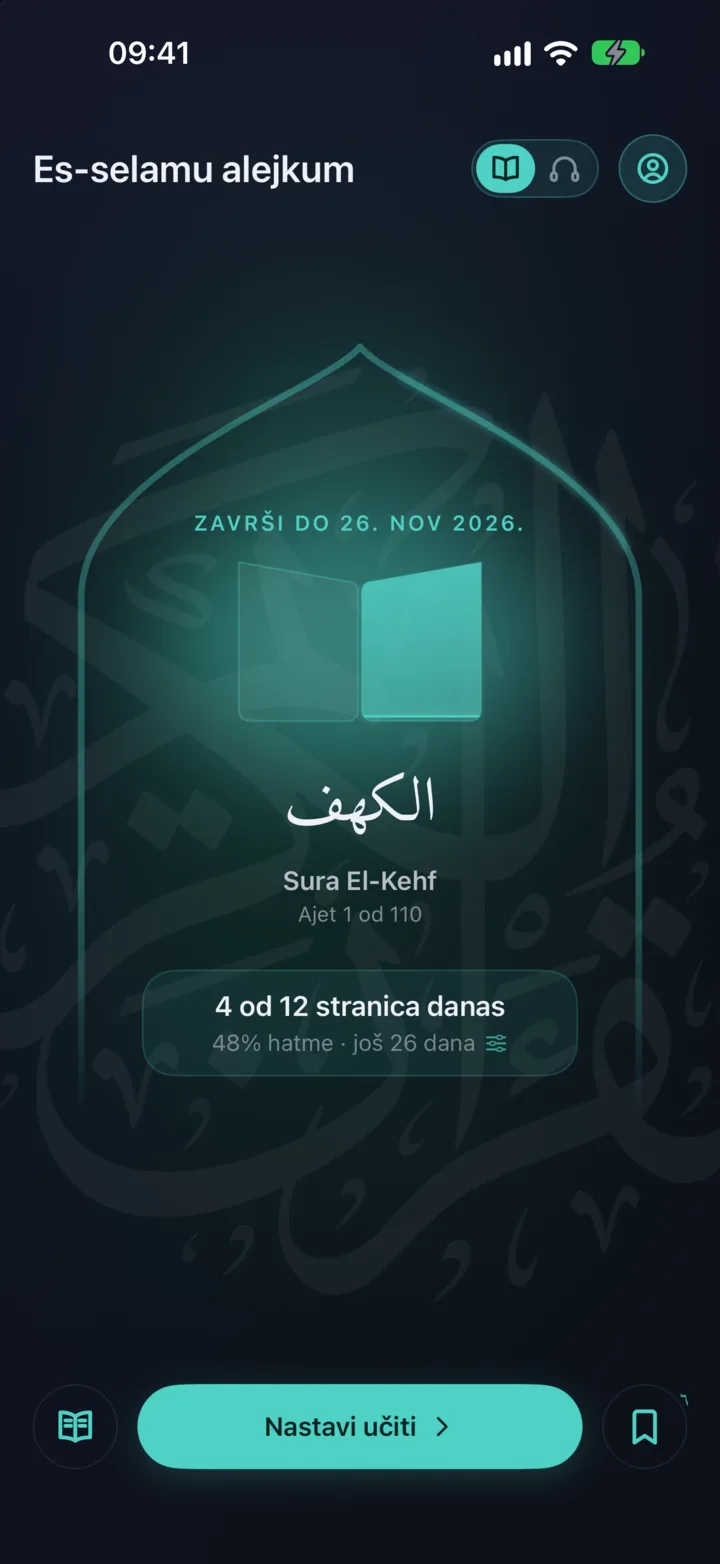
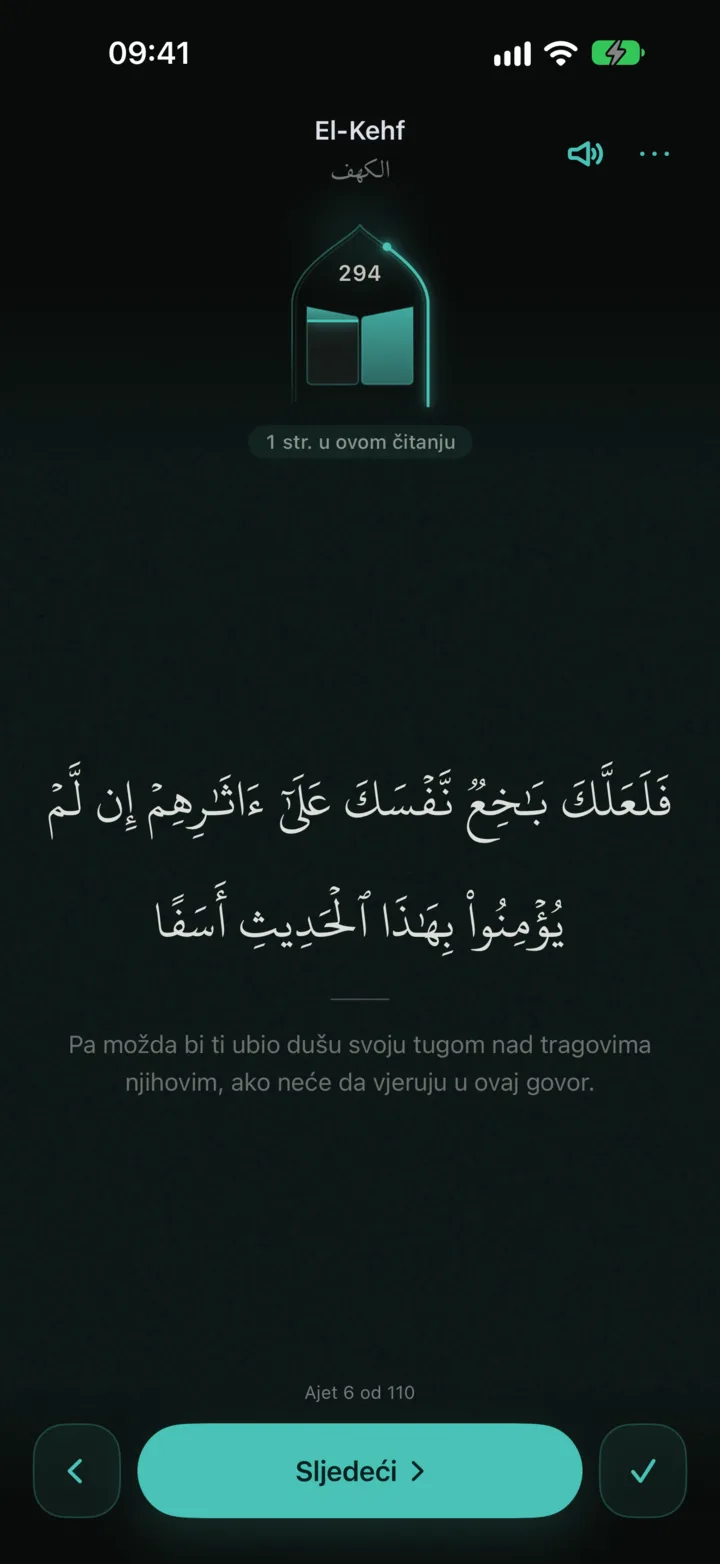
On the home screen your khatma looks like a book slowly filling up inside a mihrab, page by page. Just tap it and carry on from the exact ayah where you stopped, without any searching or flipping. While you read, a thin glowing line beside the mihrab shows how much of today's wird you have already done, and below it you clearly see the total number of pages you have read since you opened the app.
Khatma pace
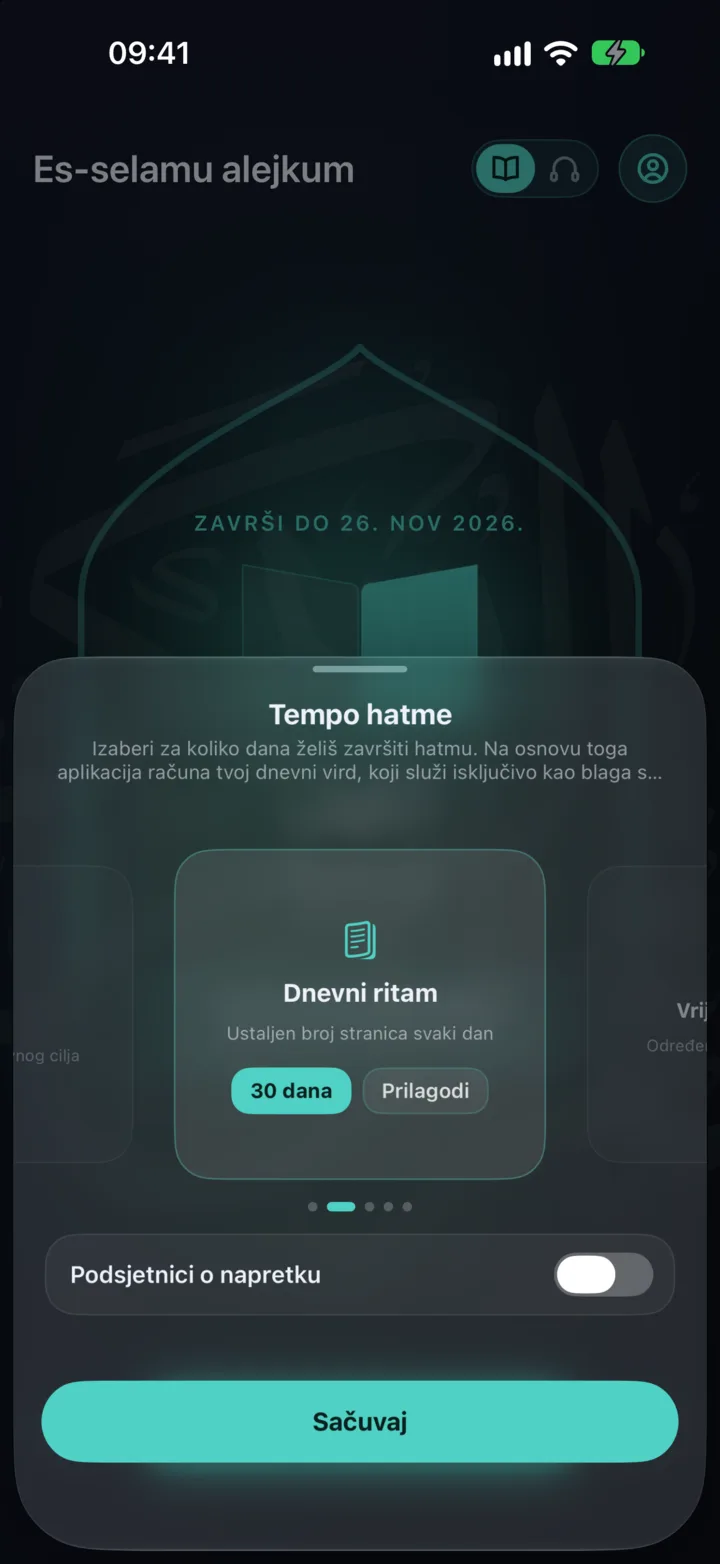
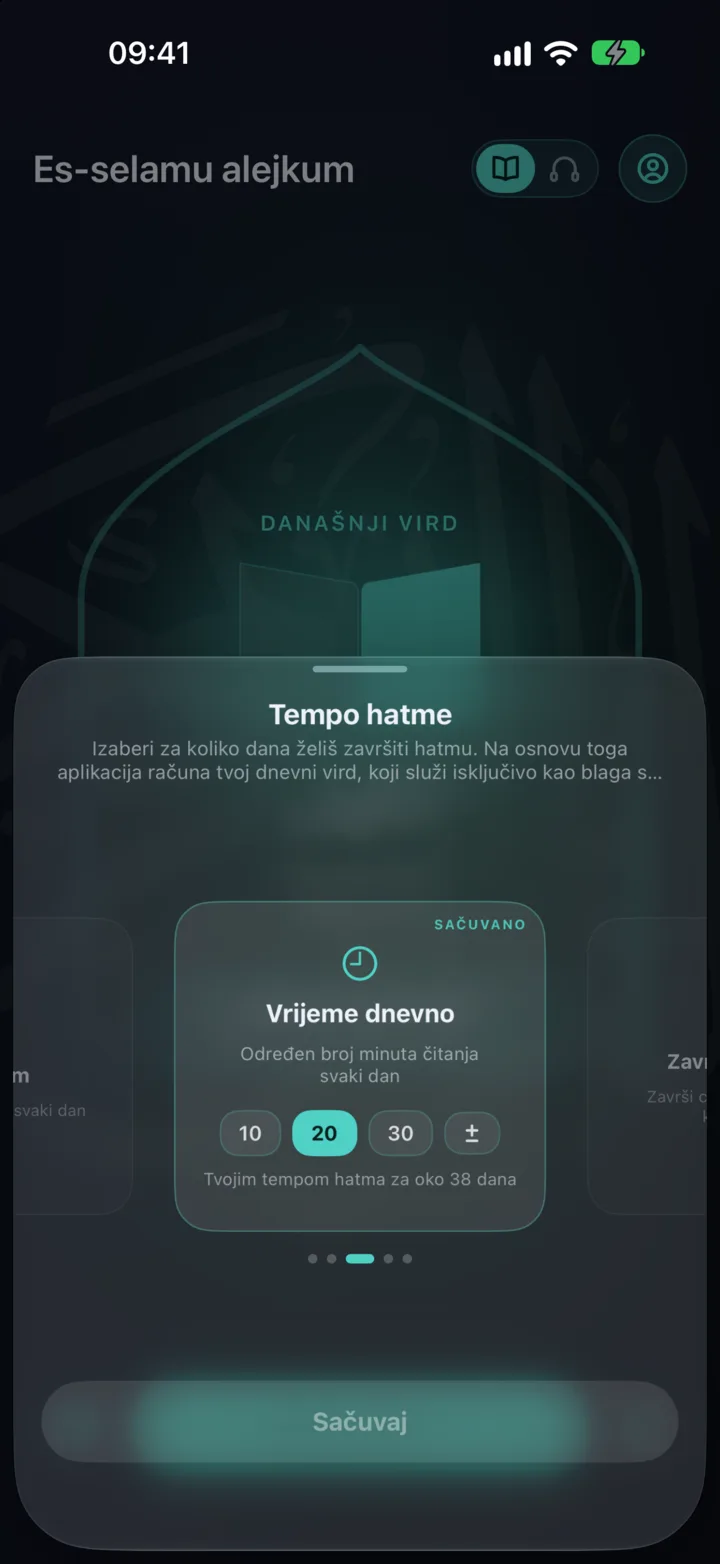
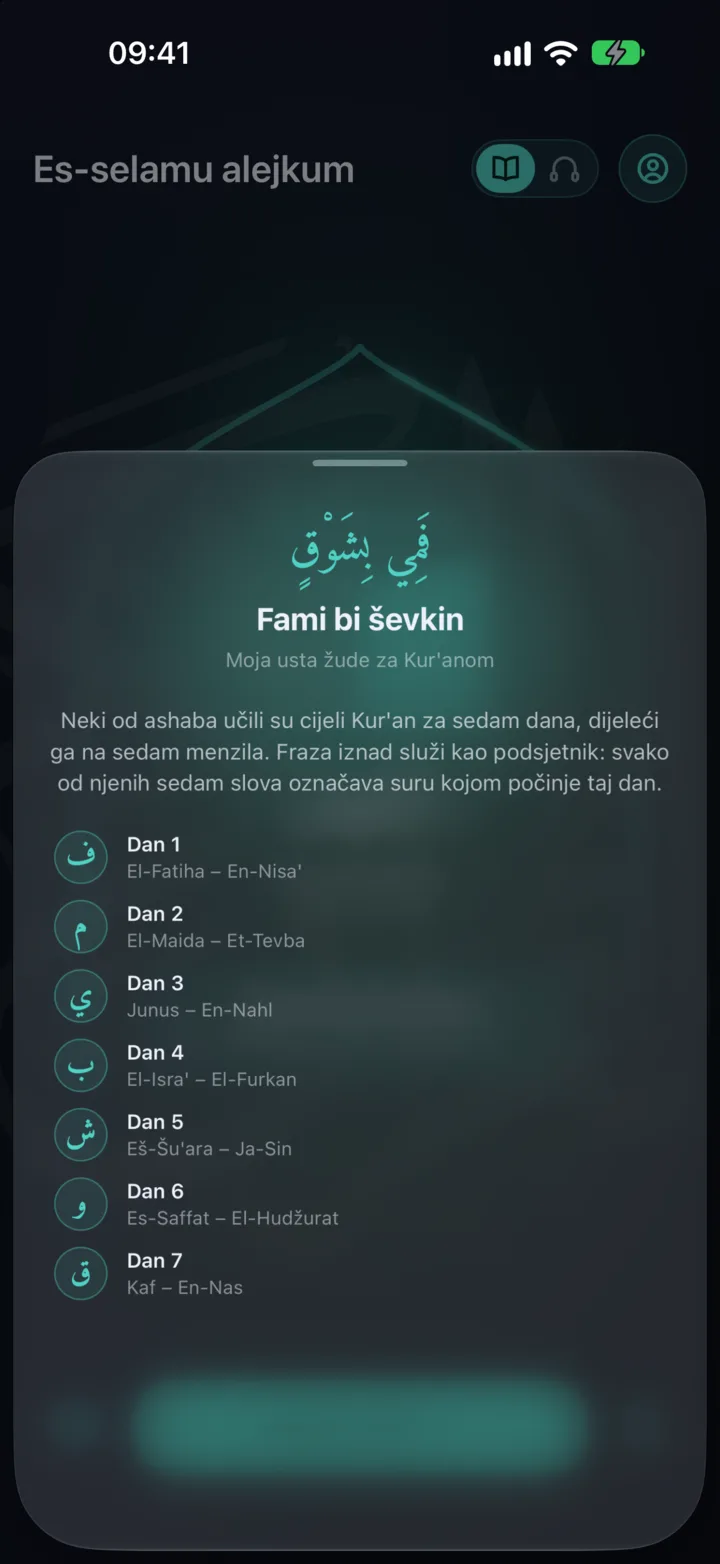
You choose the pace that suits you best: a set number of pages, a set number of minutes of reading a day, the whole mushaf spread out to a date you pick, or Fami bi-shawq, the traditional seven-day division from the time of the Companions. If you don't want any goal, Wird simply keeps track of where you are, with no pressure at all. One missed day a week is always forgiven, so a single rushed or tiring day won't wipe out a long, beautiful streak.
Reading your way
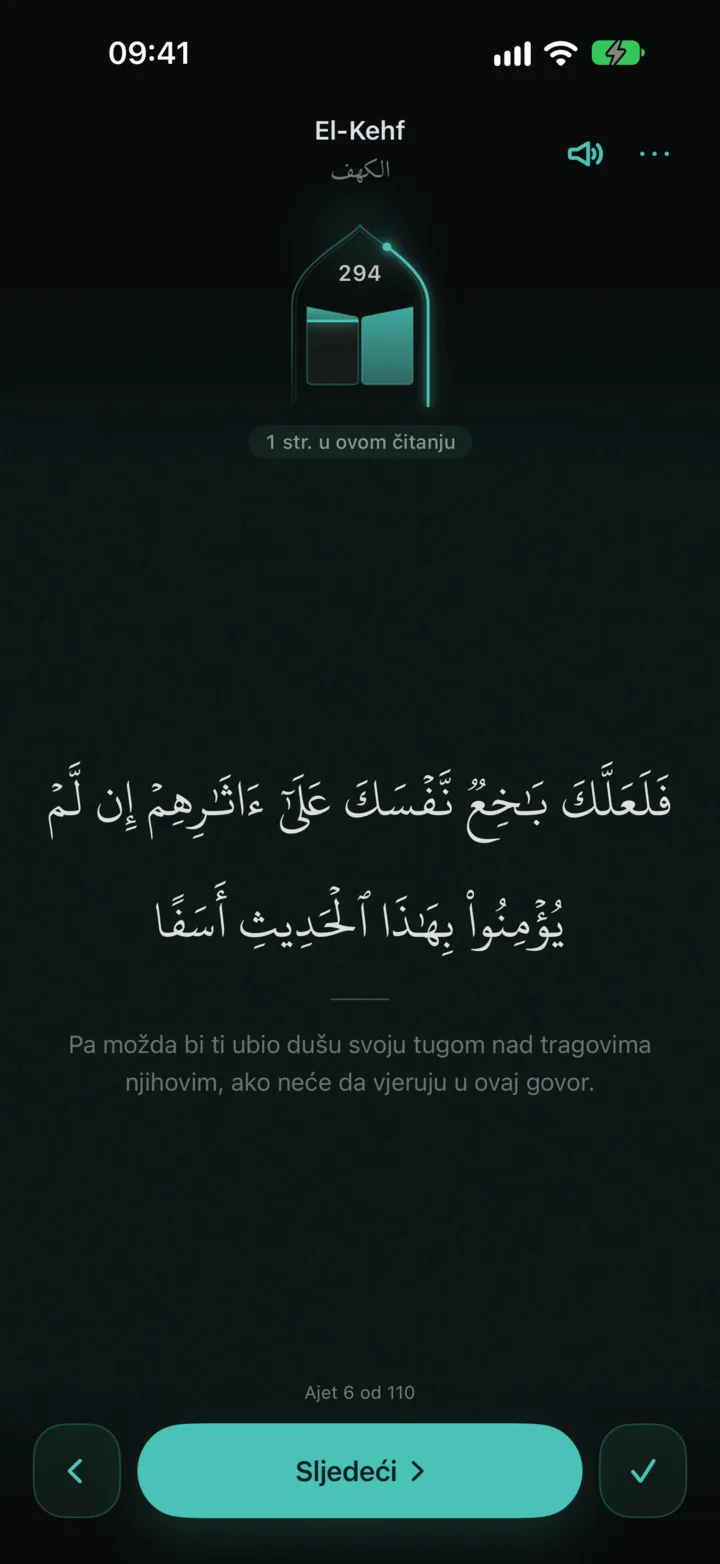
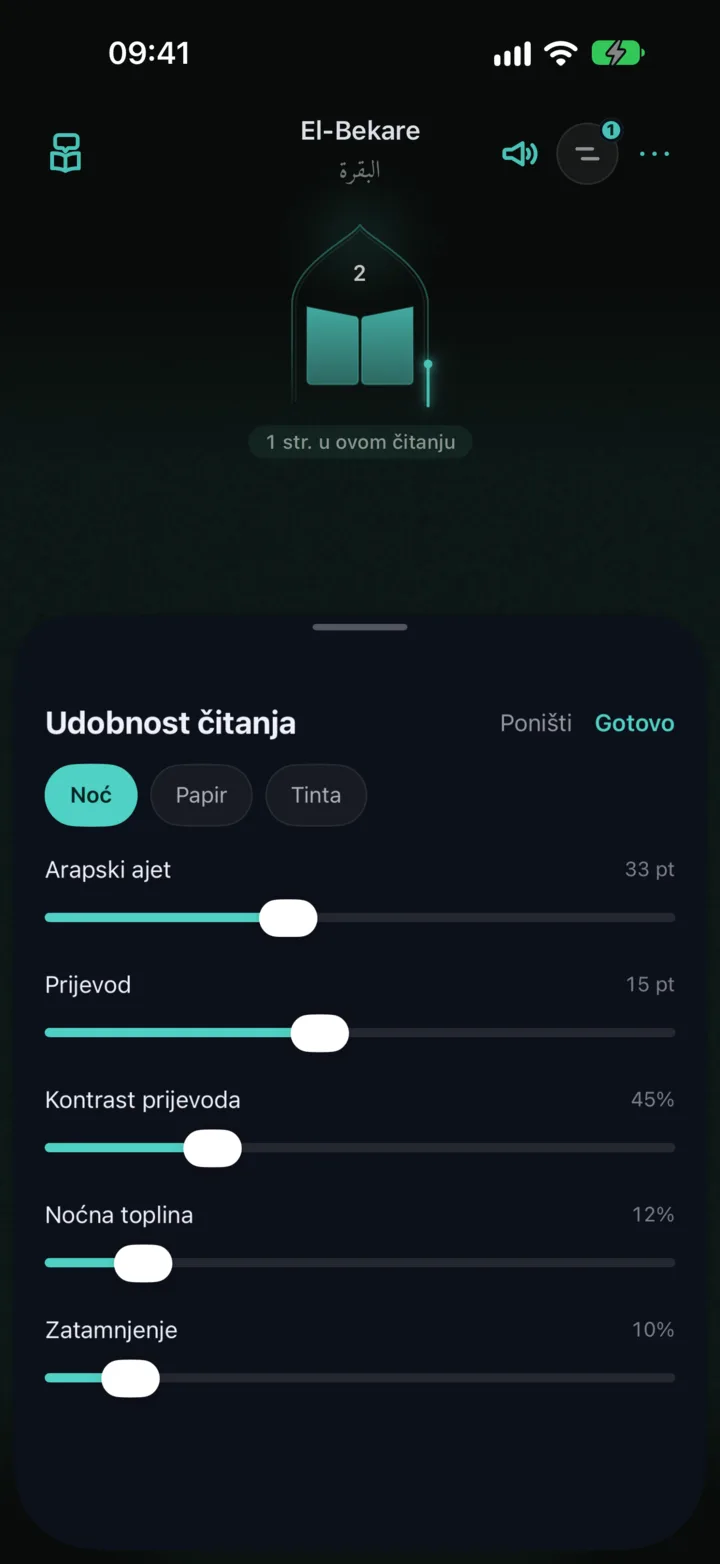
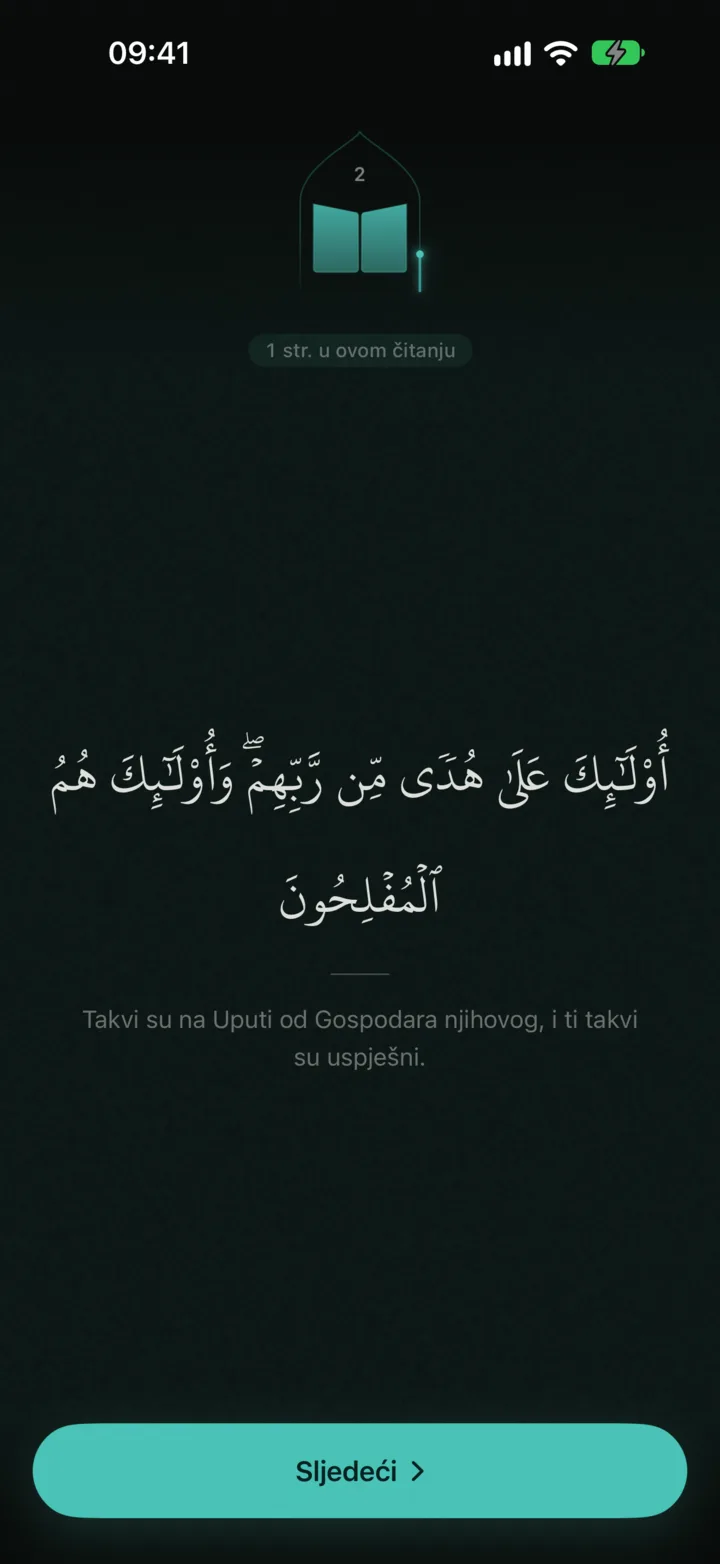
The reader takes you ayah by ayah, and you size the Arabic text and the translation completely independently. For reading at night there is adjustable warmth and dimming, with ready-made Night, Paper and Ink settings. When you want to be fully present, just tap an ayah and everything else on the screen fades away, leaving you alone with it; tap again to bring it all back.
Translations
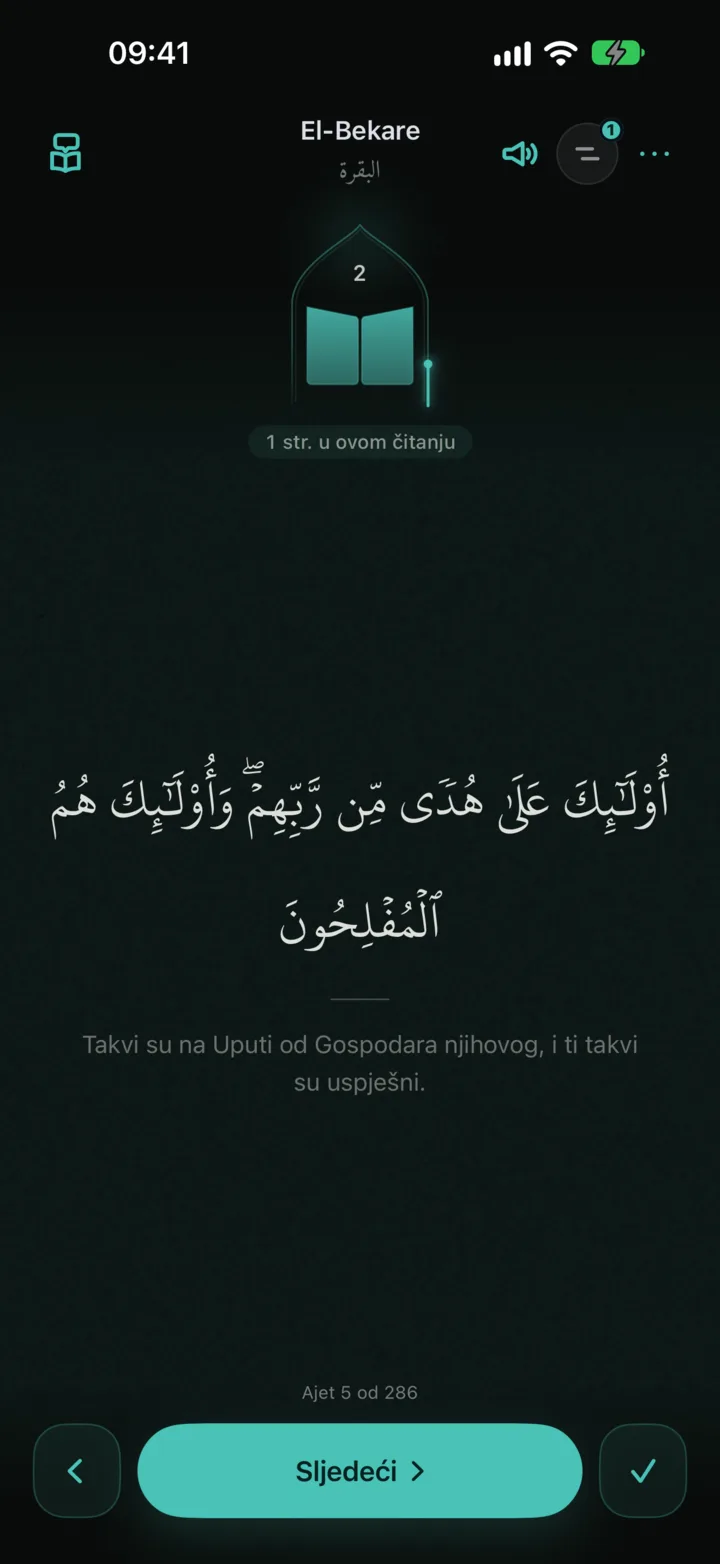

Each ayah can carry a translation of your choice, whether the Bosnian translations by Mlivo and Mehanović, or those in English, German, Turkish and French. Long-press any translation to copy it along with the surah, the ayah and the translator's name, and you can switch the language of the app itself (there are six) any time in settings.
Tafsir
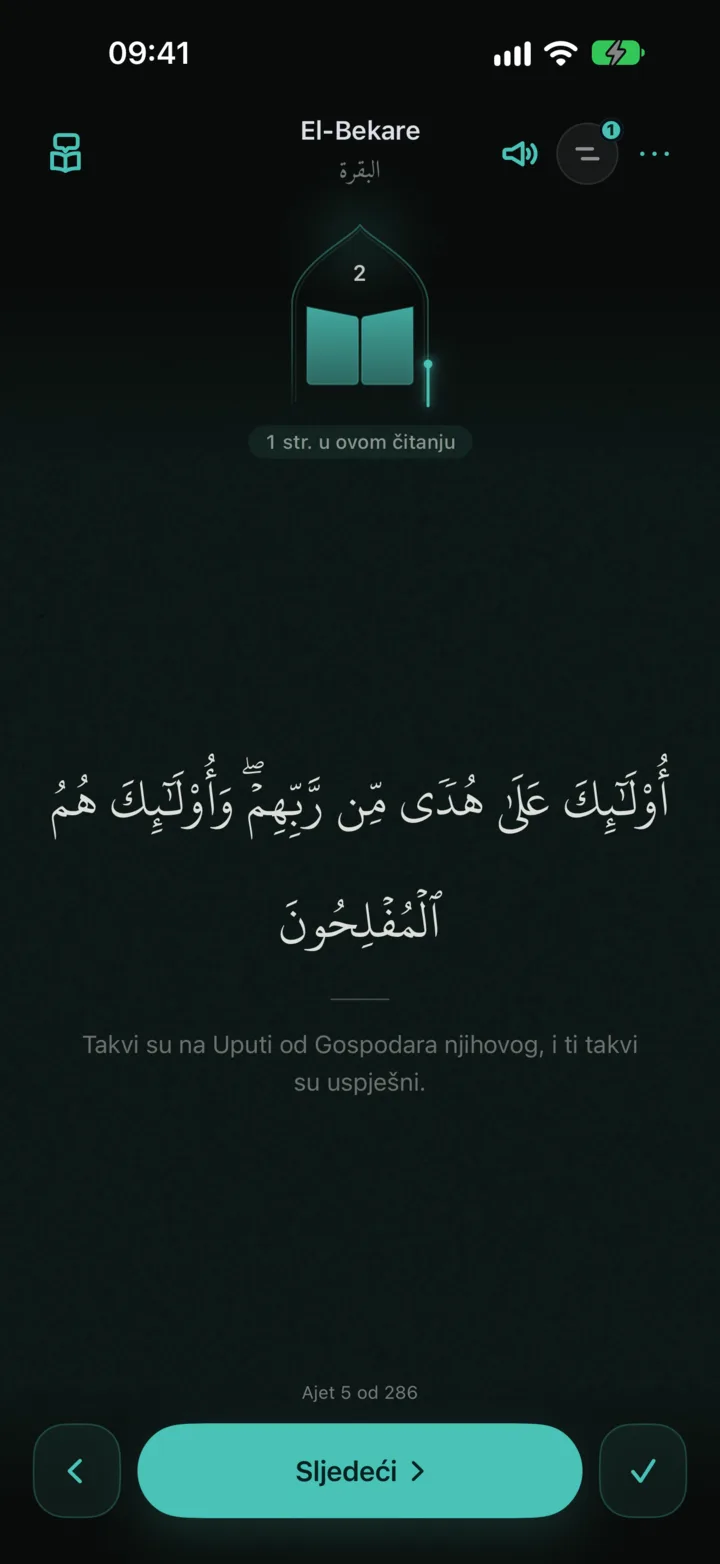
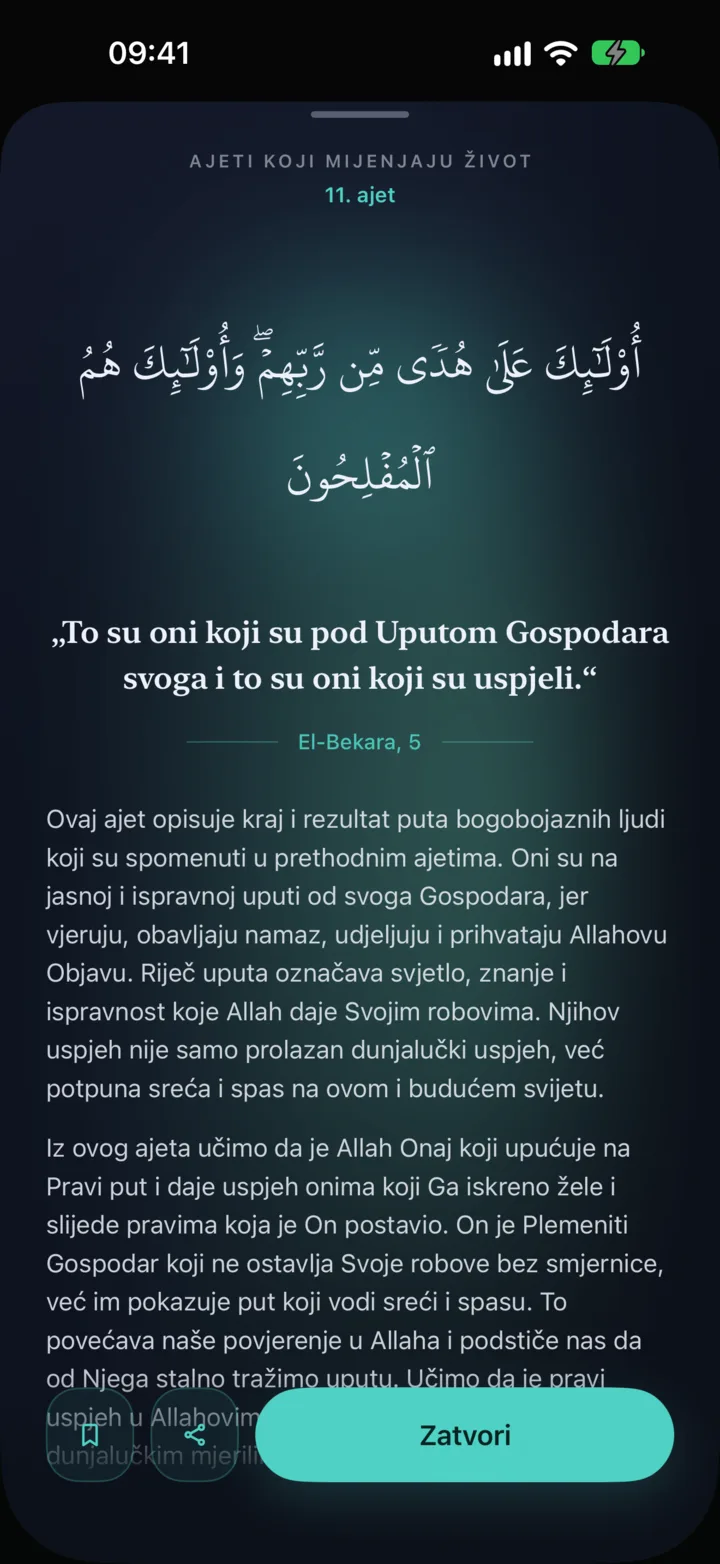
When the ayah you are reading has a deeper explanation, a book icon quietly appears at the top of the screen: tap it and read the tafsir on the spot, without leaving the page or losing your focus.
Word meanings
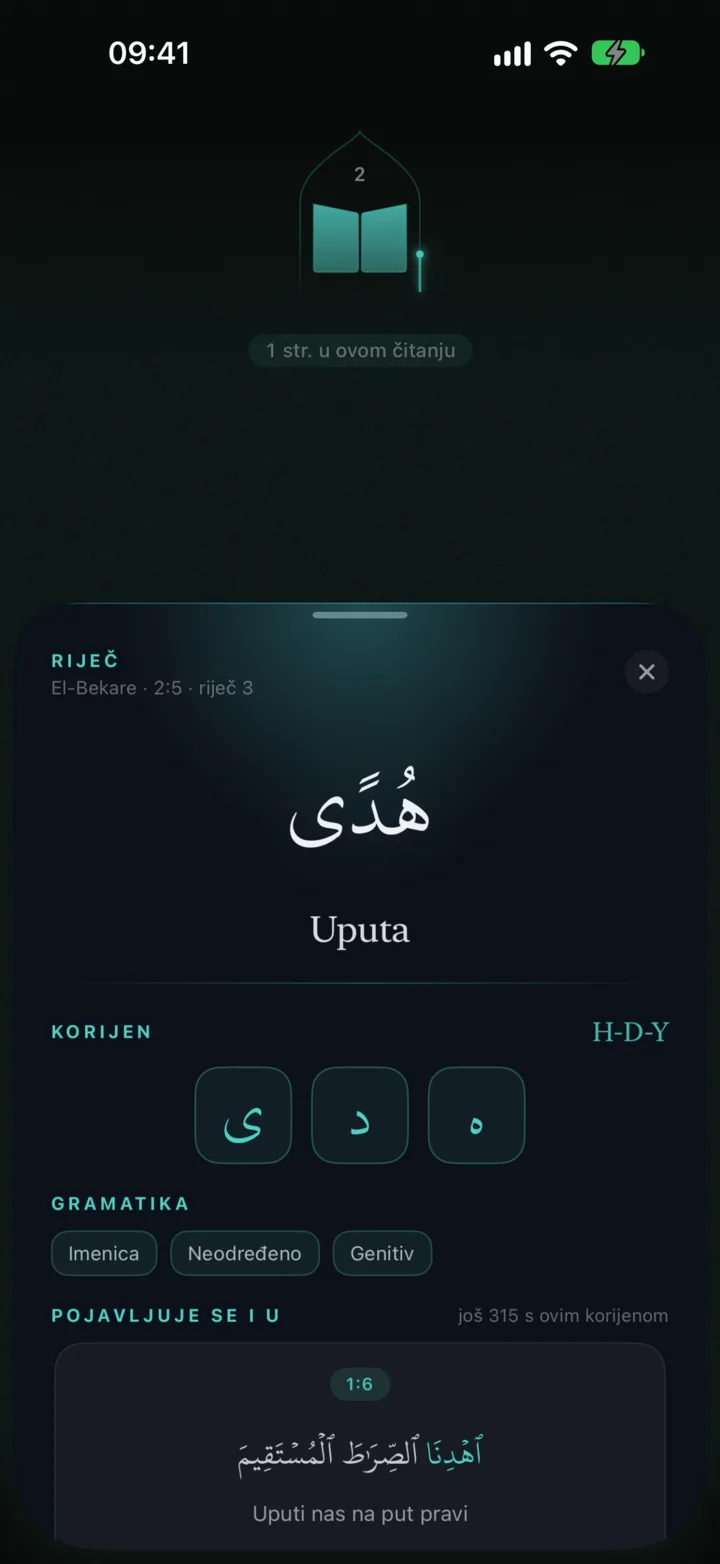
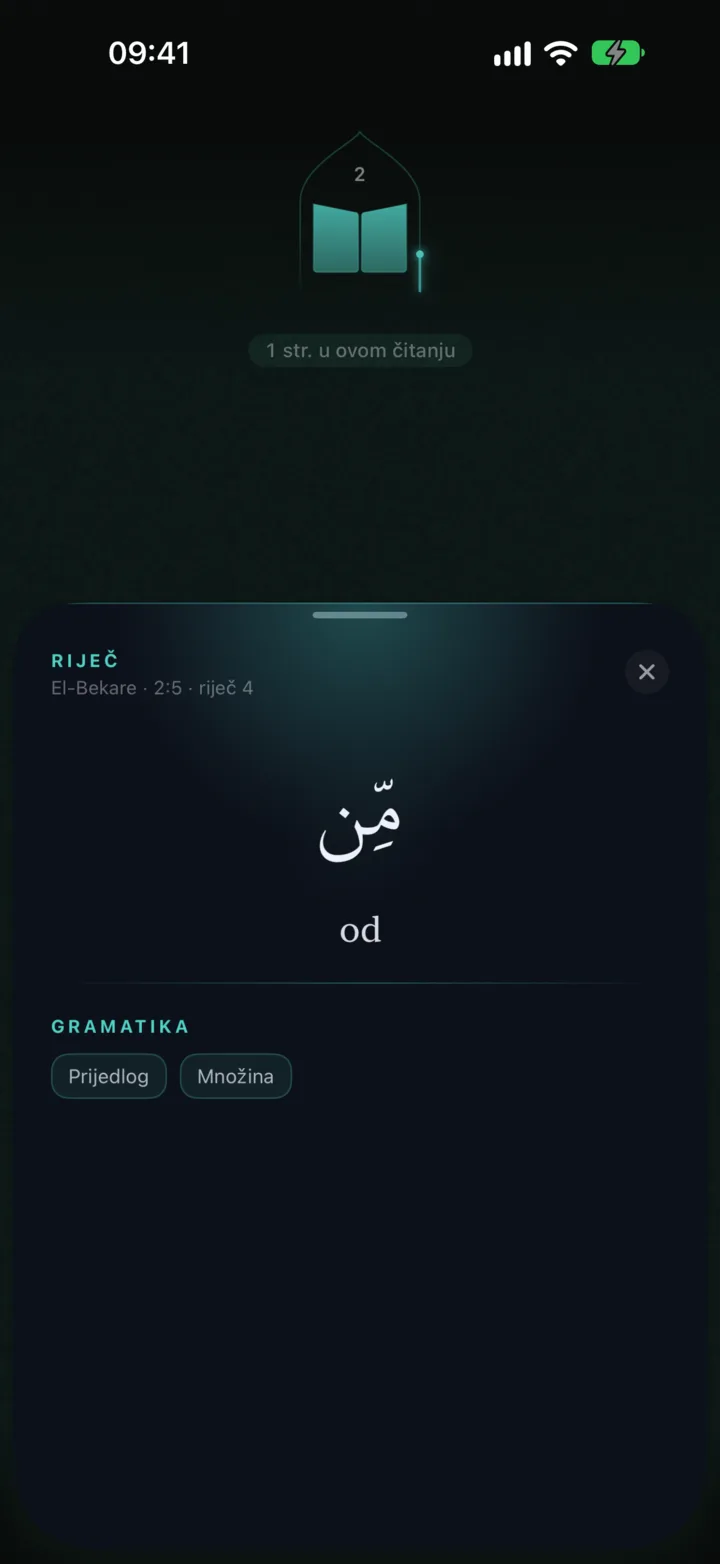
Tap any word in an ayah to open its root, its meaning and its grammatical form, along with a list of every other ayah where the same root appears, so the words you repeat in prayer anyway slowly take on their full meaning.
Similar ayahs
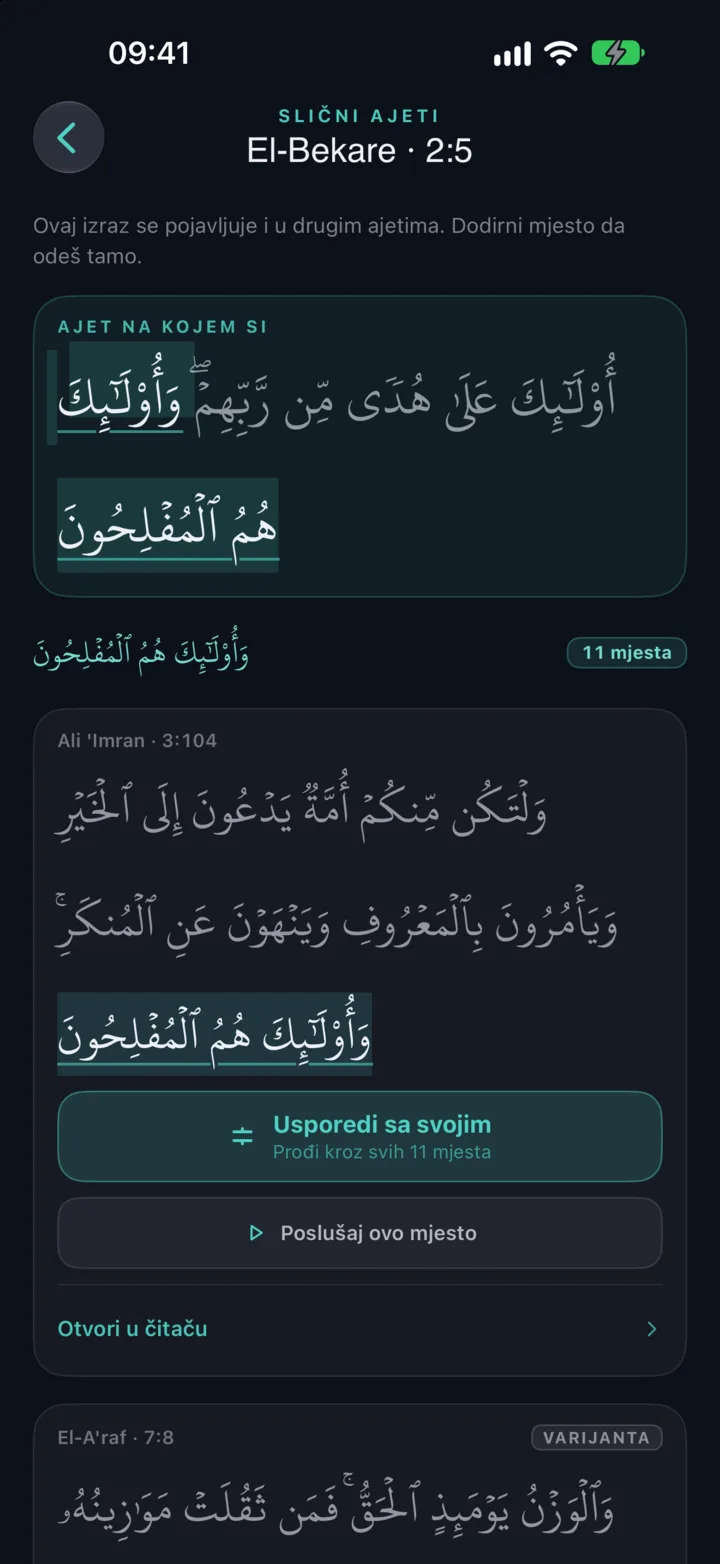
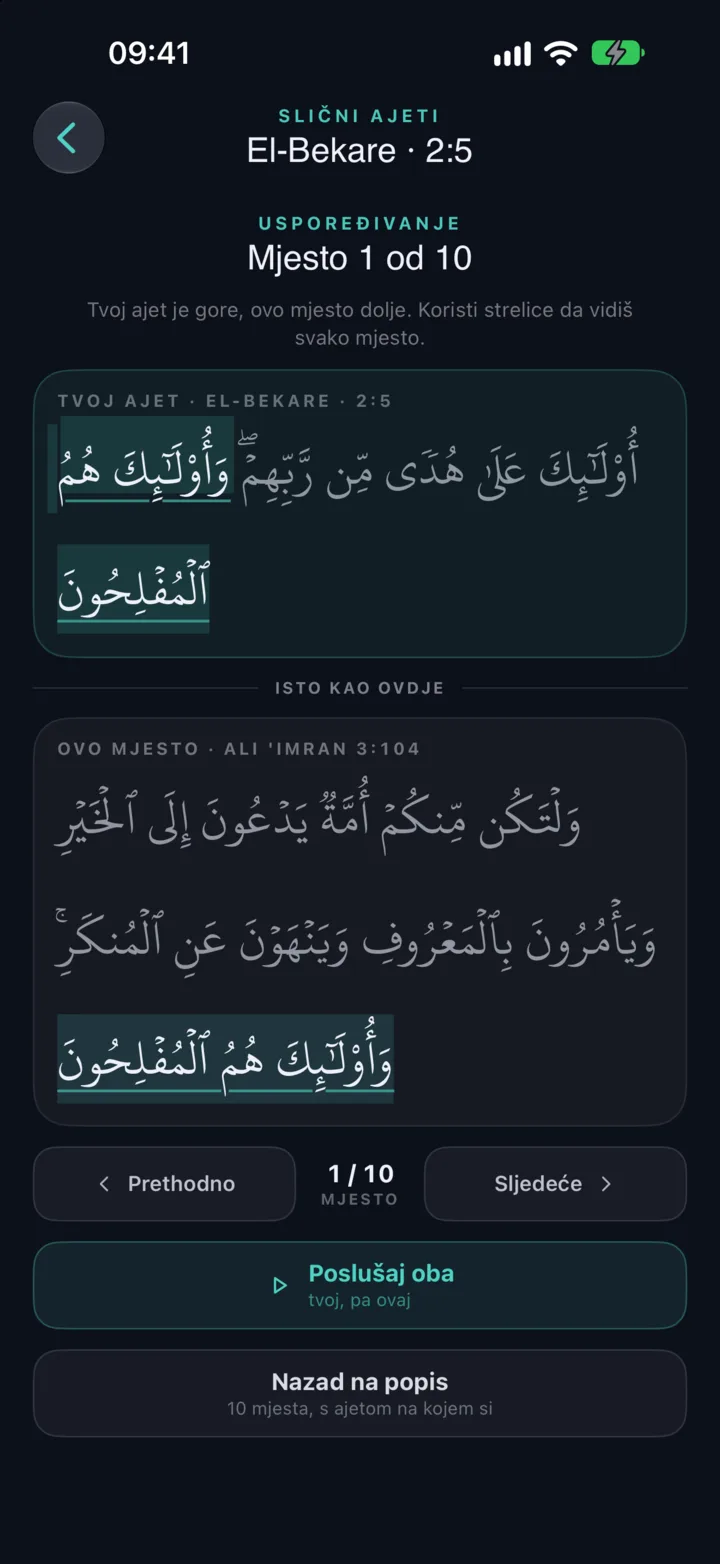
Since some phrases in the Qurʼan repeat (sometimes word for word, sometimes with just one word different), Wird shows you every place where a phrase appears and sets them side by side with the differences clearly marked, and anyone memorising knows how much easier that makes things.
Tajweed and stopping signs
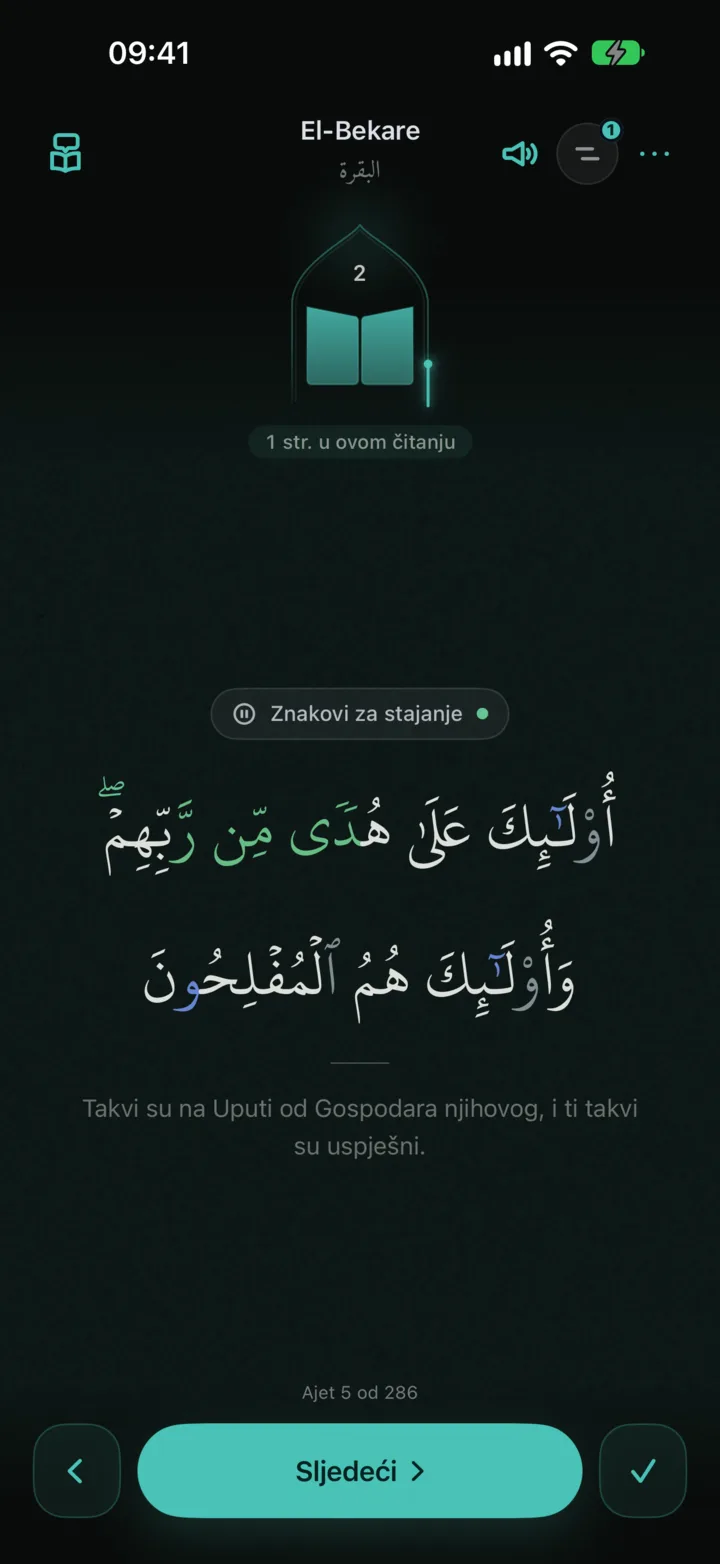
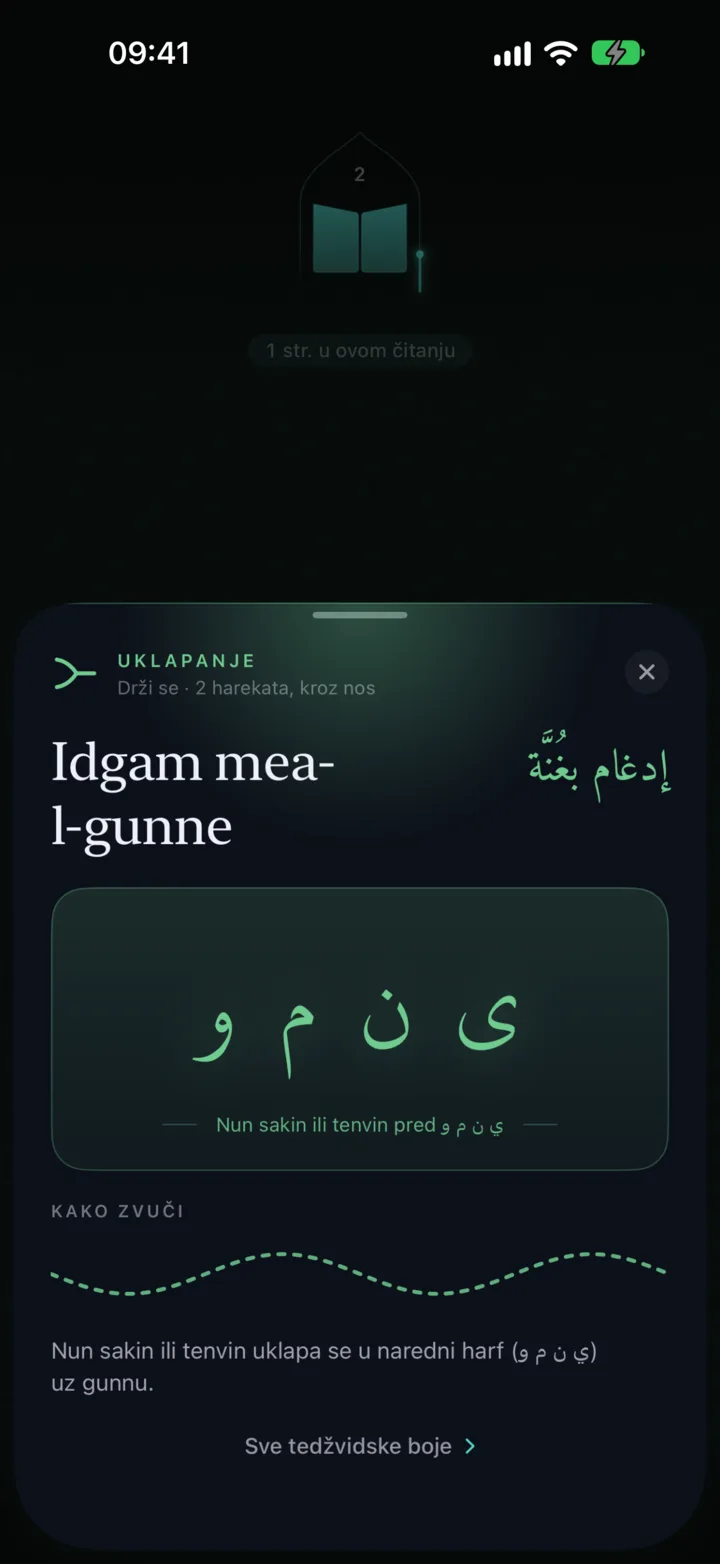
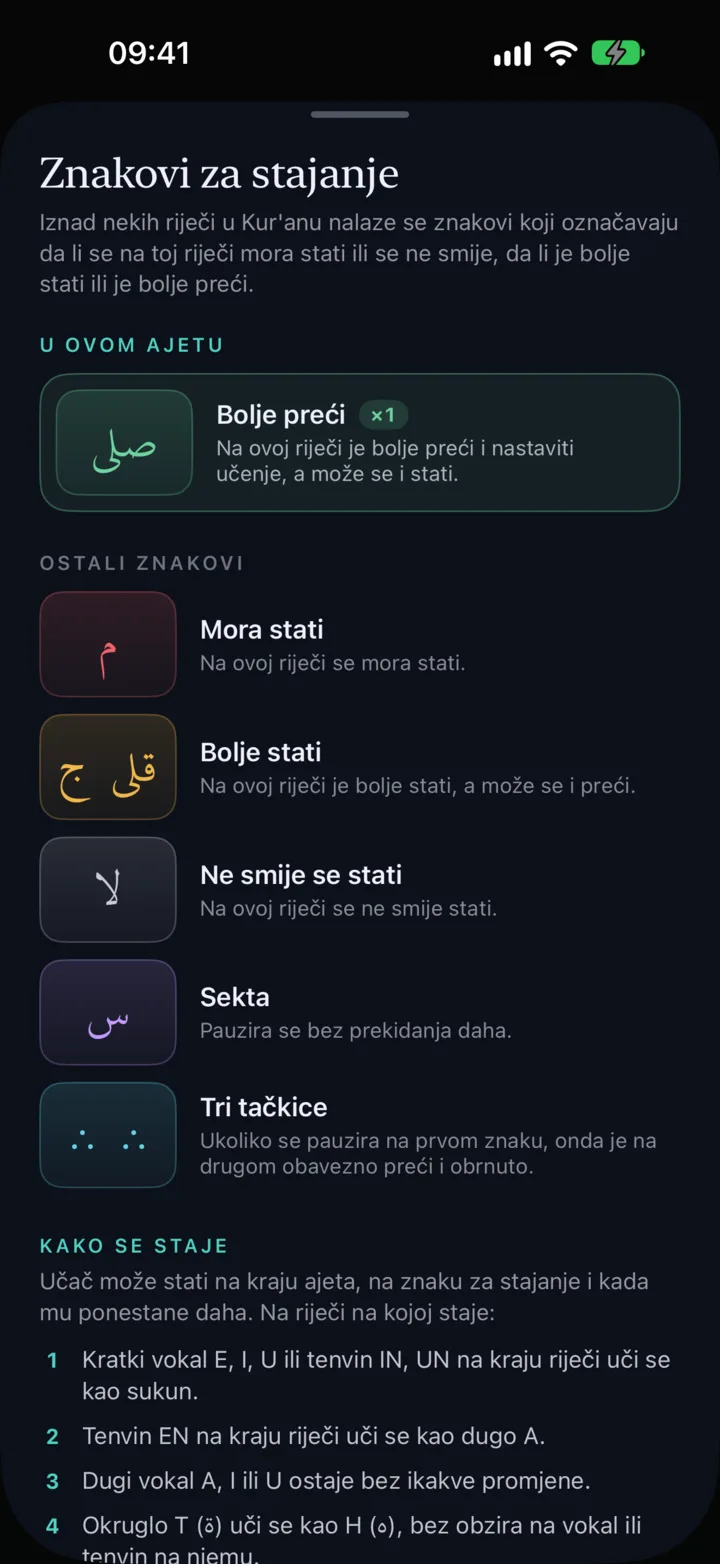
When you turn on tajweed colours, each rule such as ikhfa, idgham, iqlab, qalqala or madd is gently coloured right in the text, and tapping such a letter tells you straight away which rule it is. The stopping signs are coloured too, and above the ayah they appear in, a handy button explains as you go how to stop correctly at that spot.
Listening
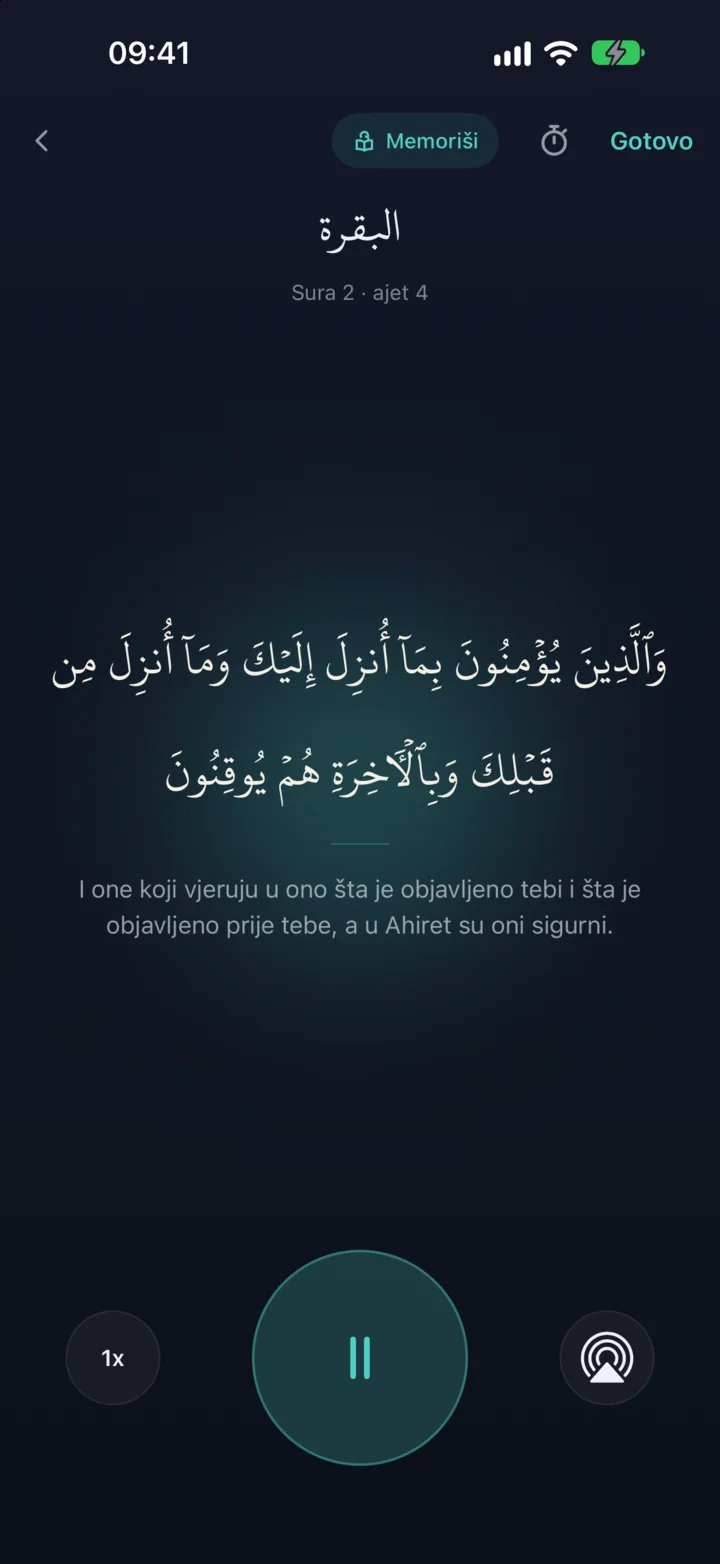
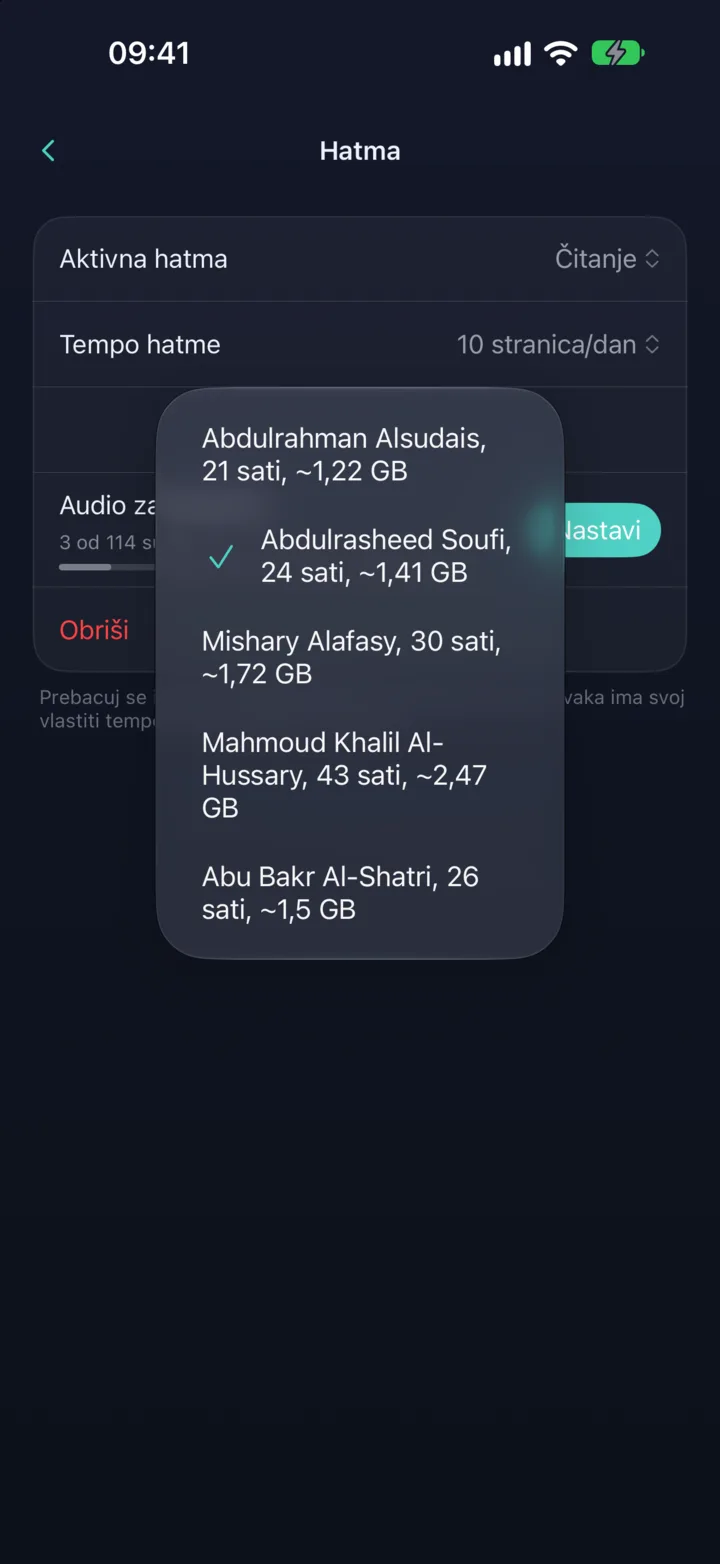
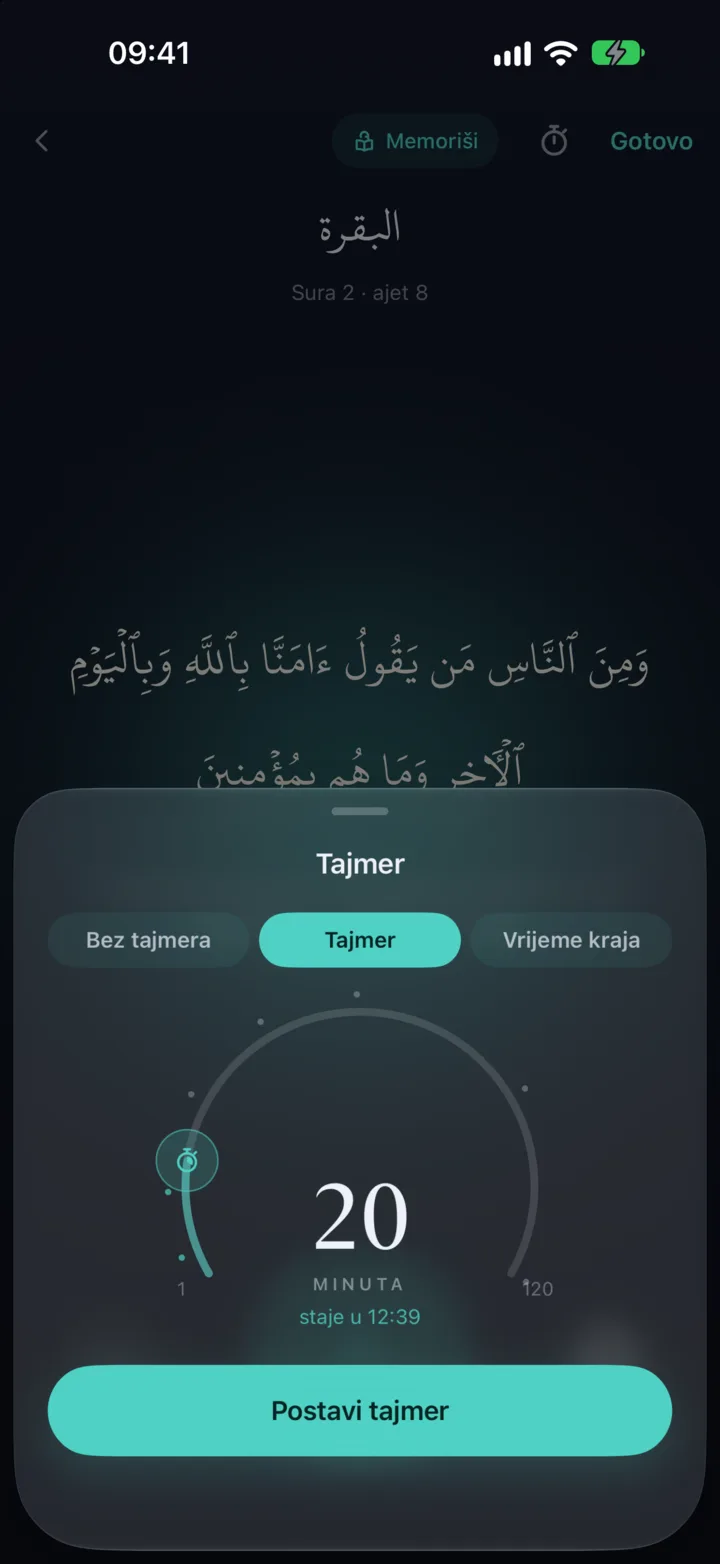
You can also listen to the Qurʼan as a completely separate khatma with its own pace and progress, choosing from five outstanding reciters: Abdulrahman Alsudais, Abdulrasheed Soufi, Mishary Alafasy, Mahmoud Khalil Al-Hussary and Abu Bakr Al-Shatri. Download a recitation to your phone once and then listen entirely without internet, even with the screen locked. Speed goes from 0.5× upwards, and there is a timer that stops the recitation after a set time or at the end of the surah. In the reader itself you can also just lightly tap an ayah to hear how it is recited.
Hifz
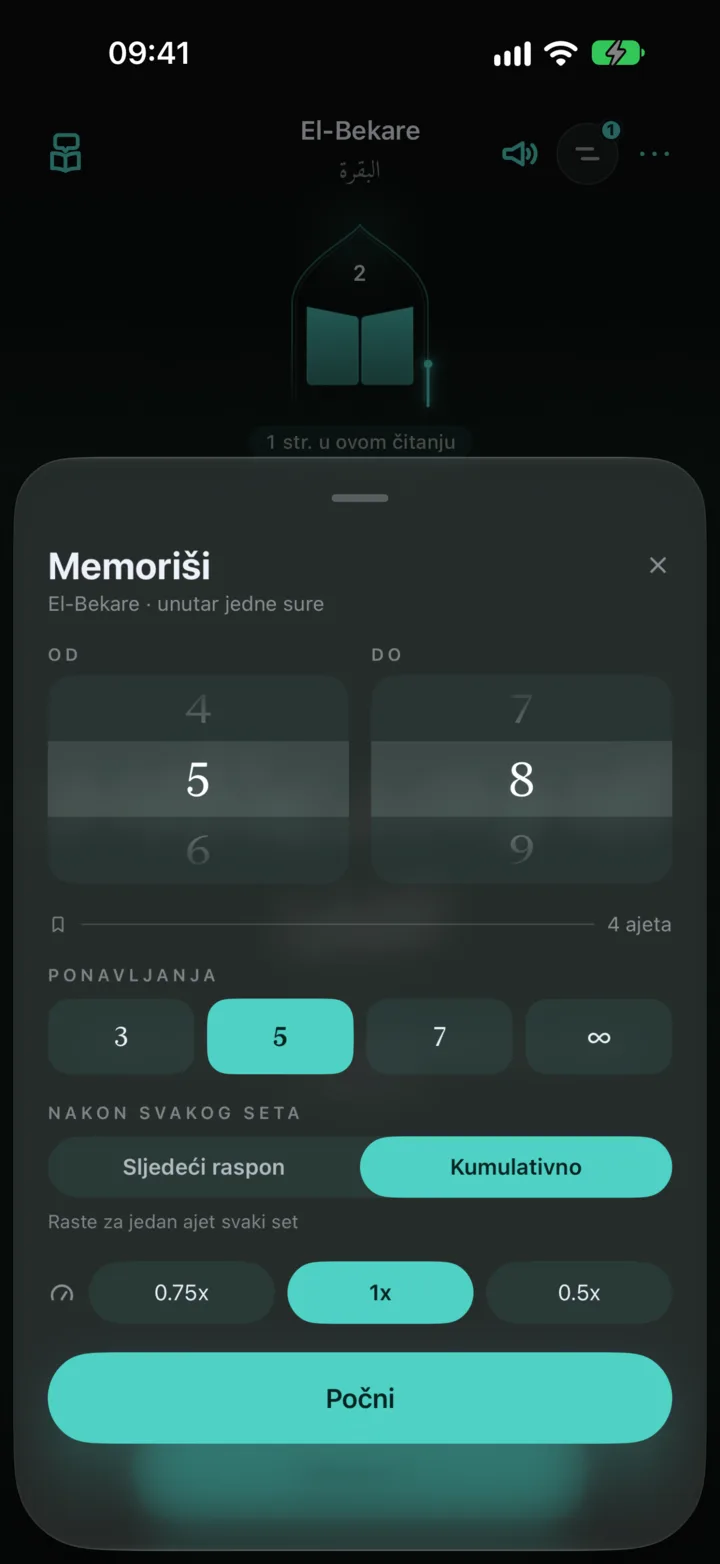
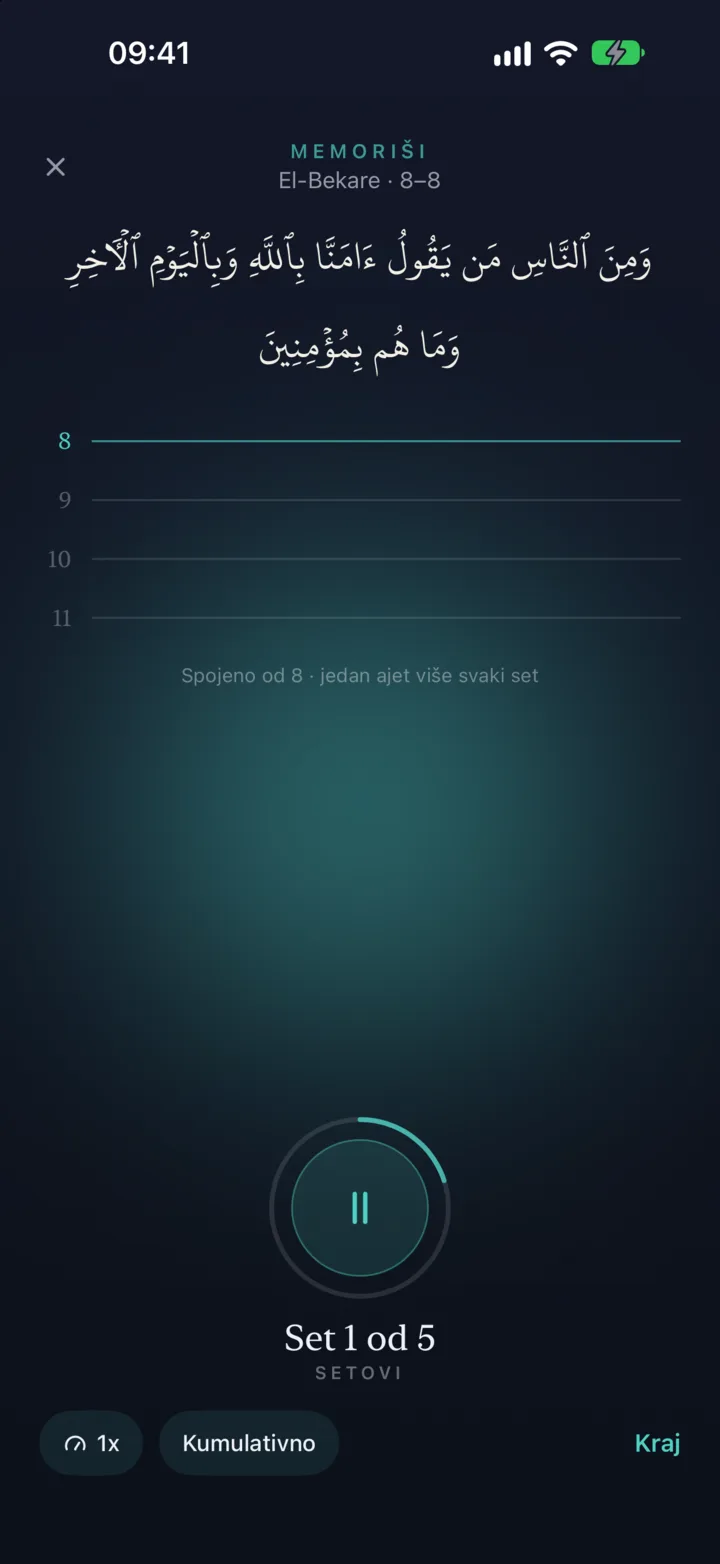
For memorising, Wird has a gentle, guided way of working: a repetition ladder that builds an ayah line by line, at exactly the pace that suits you, so you don't have to count repetitions or rack your brain remembering how far you got.
Tadabbur
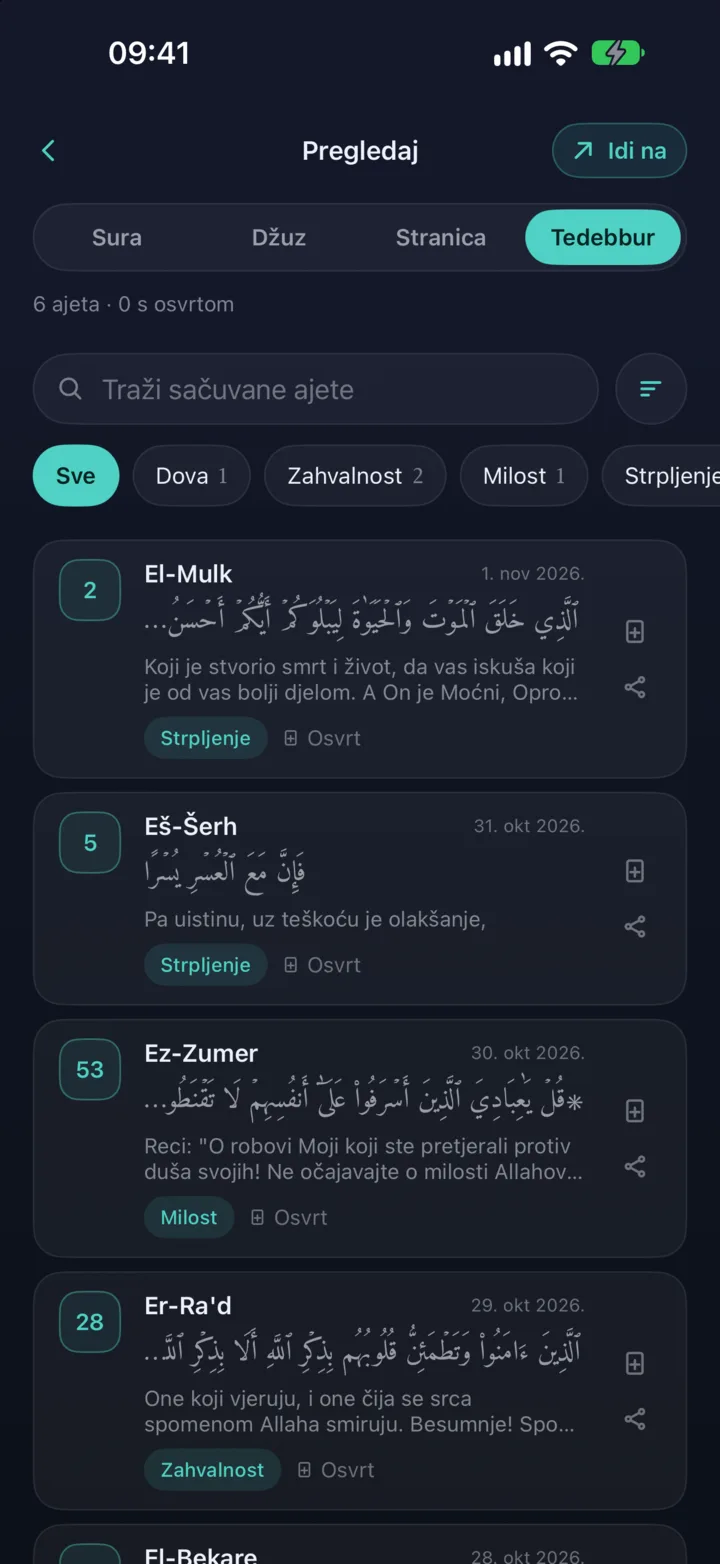
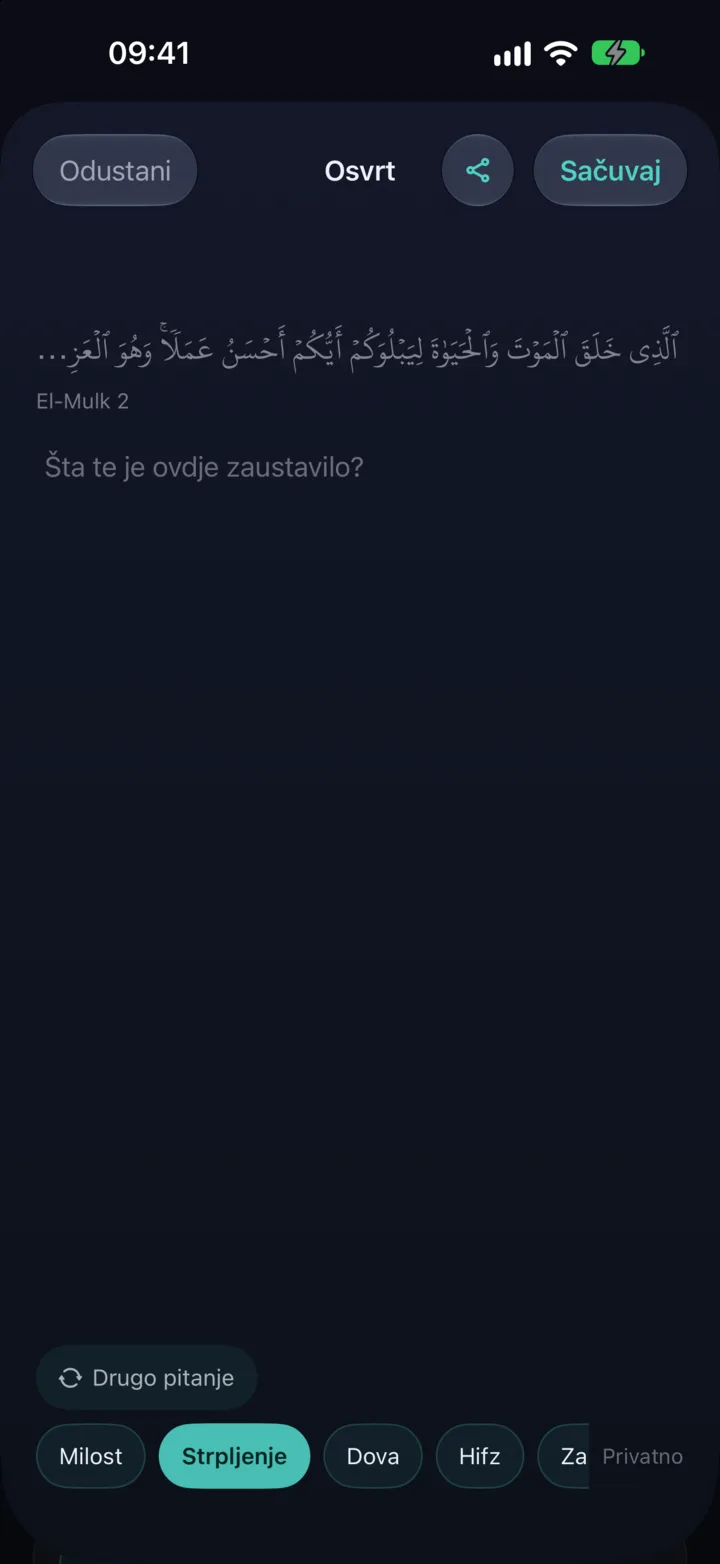
Save an ayah that especially moves you with one simple tap and come back to it whenever you like. Each saved ayah shows its translation and date, and you can also add a personal note, gather ayahs into collections, search them and share a calm card with what you reflected on.
Finding your way through the Qurʼan
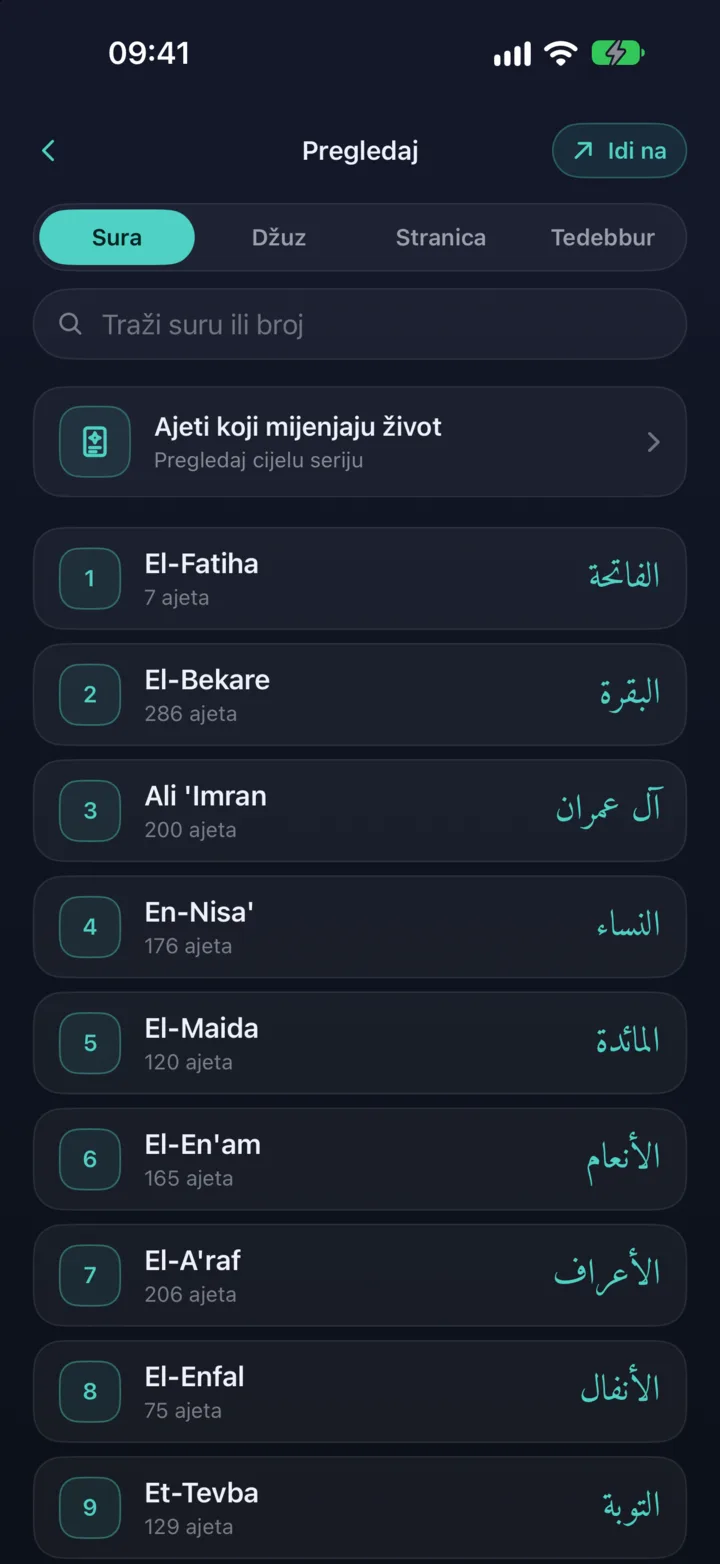
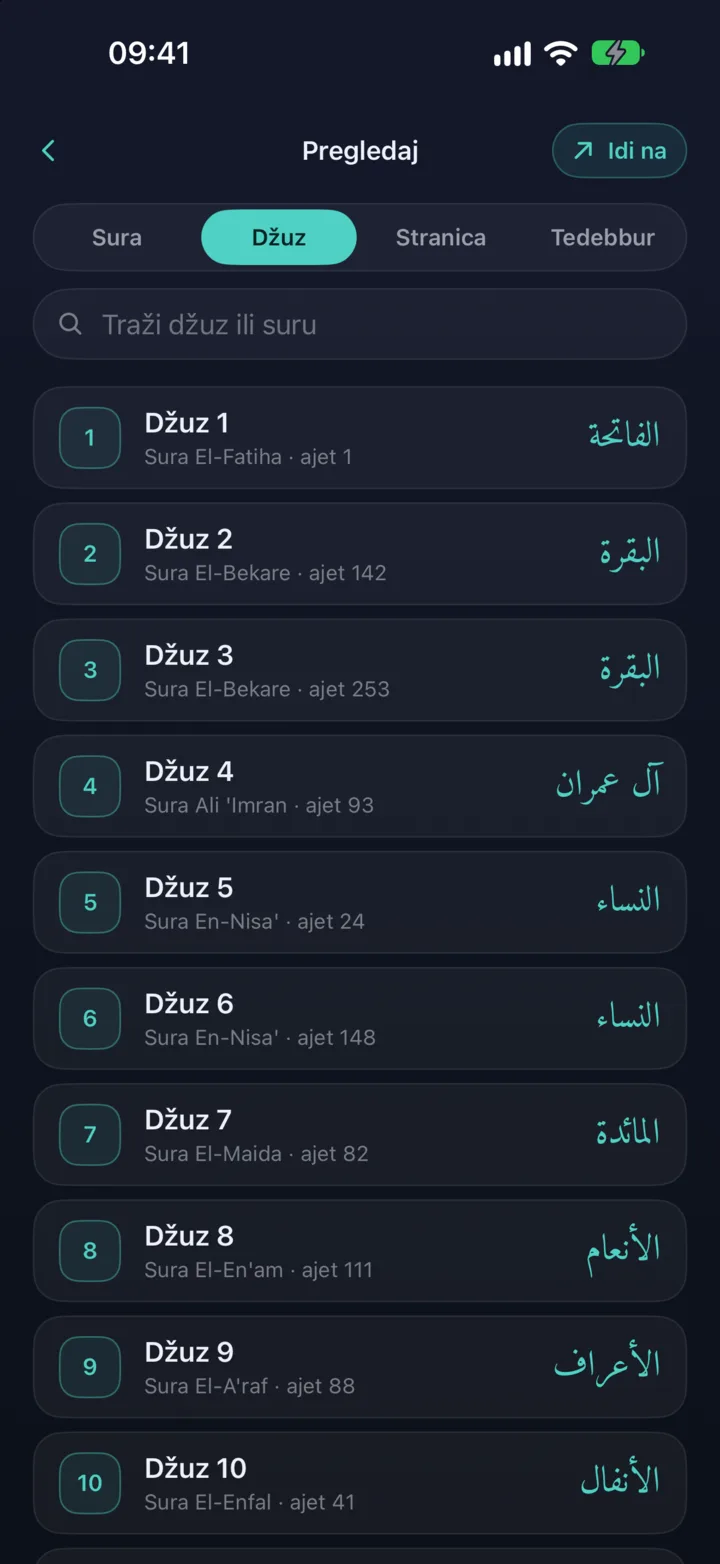
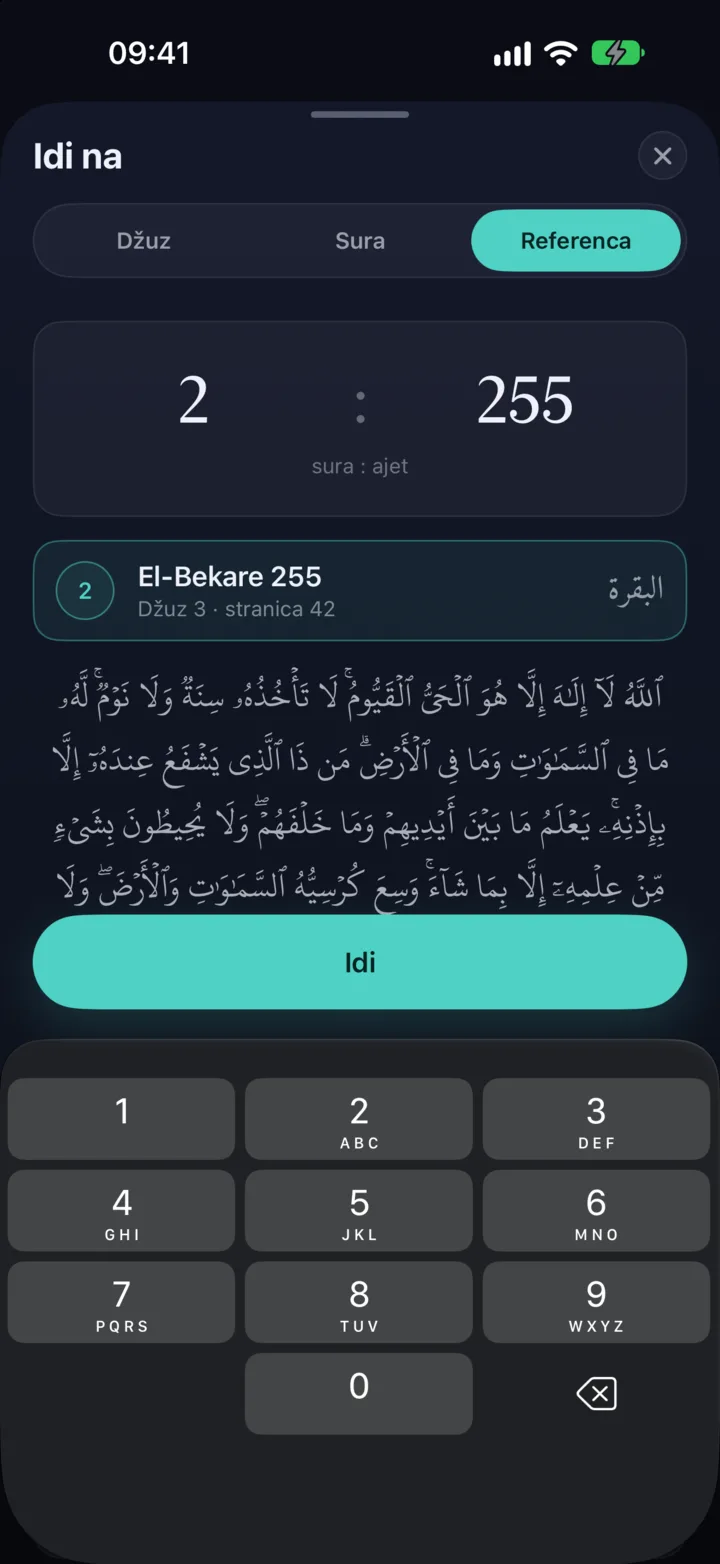
There are several ways to reach any place in the Qurʼan. In Browse you can pick by surah, page or juz, searching simply by name or number. The Go to sheet takes you in an instant to the juz, surah and ayah you want, or to an exact reference like 2:255, and if you happen to mistype, the app will ask you "Did you mean...". From there you choose whether to continue your regular khatma at that spot or just read that passage, and your actual place in the khatma stays untouched.
Sharing an ayah
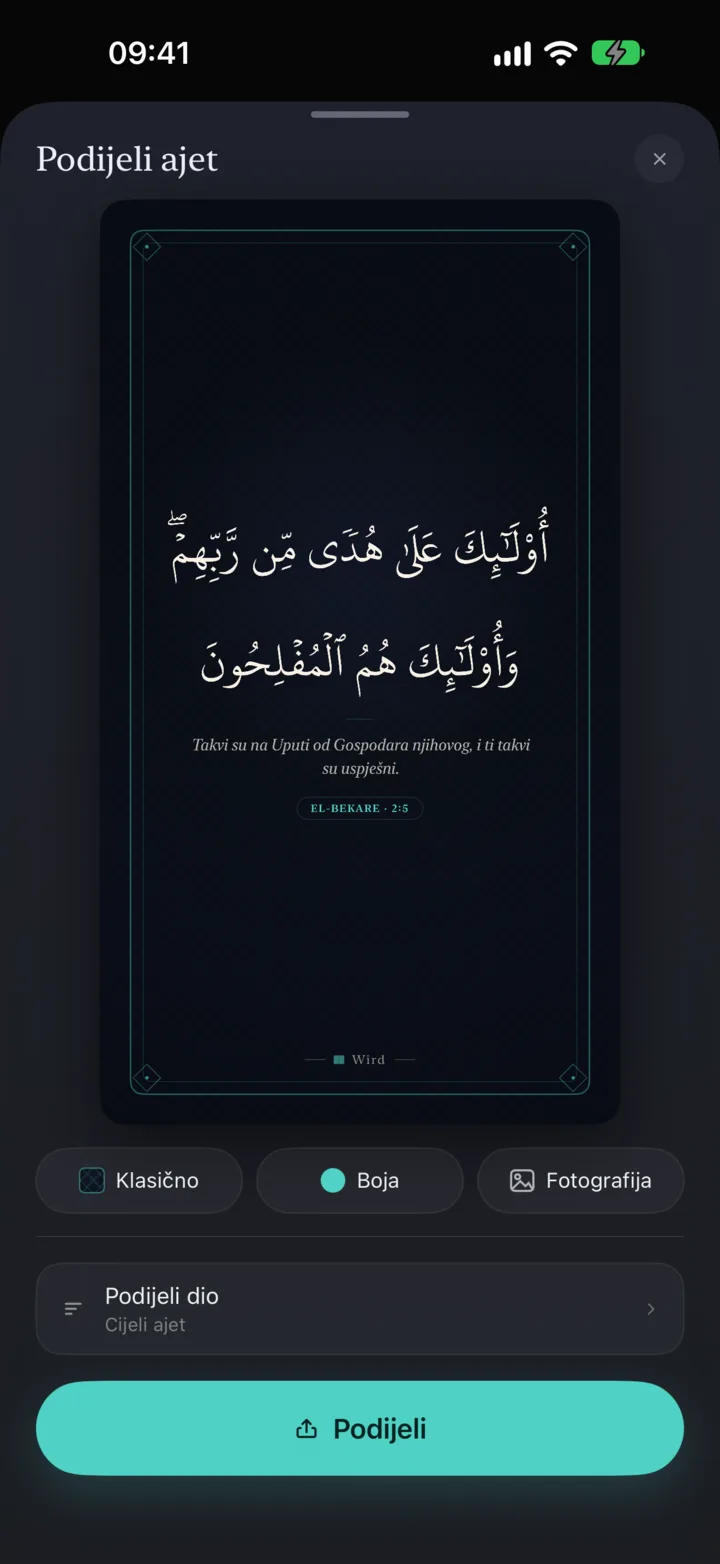
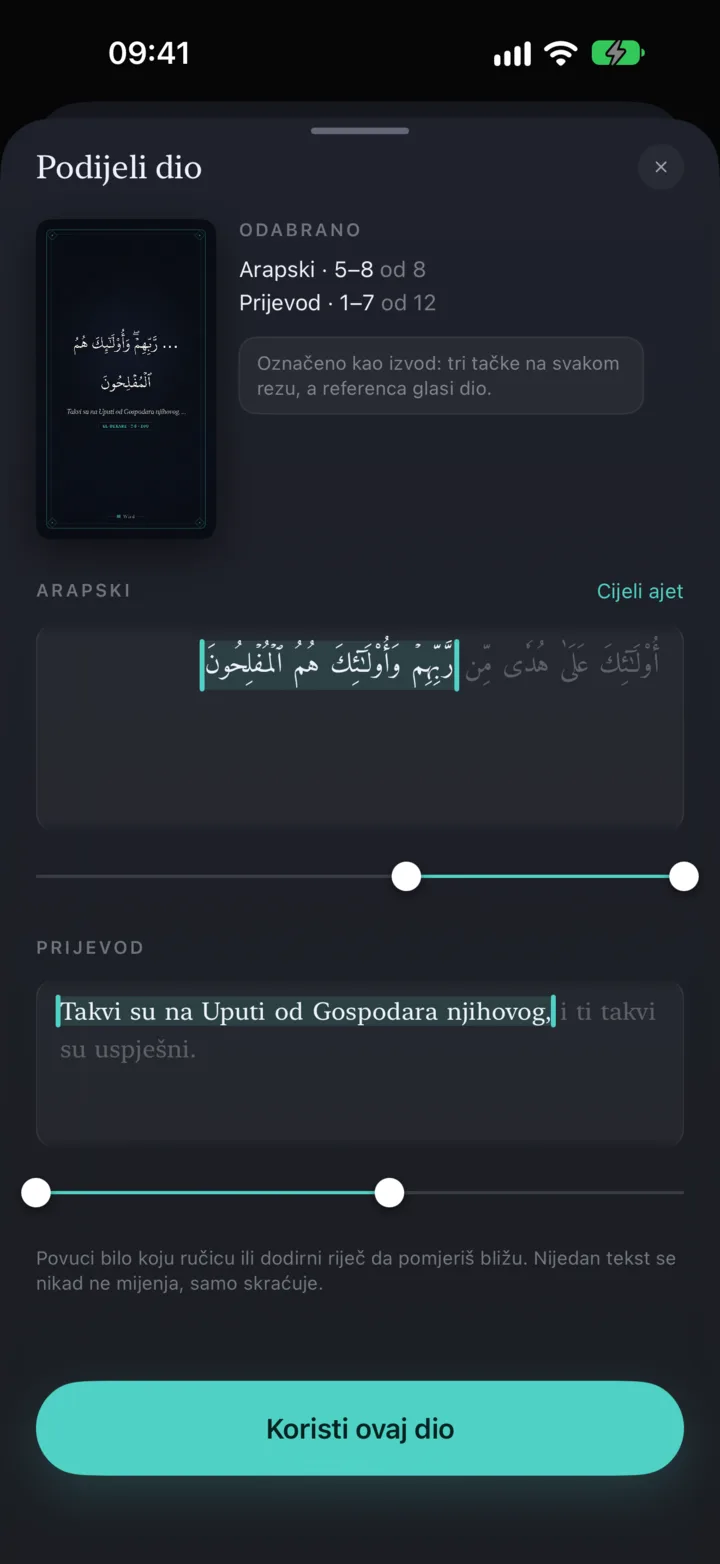
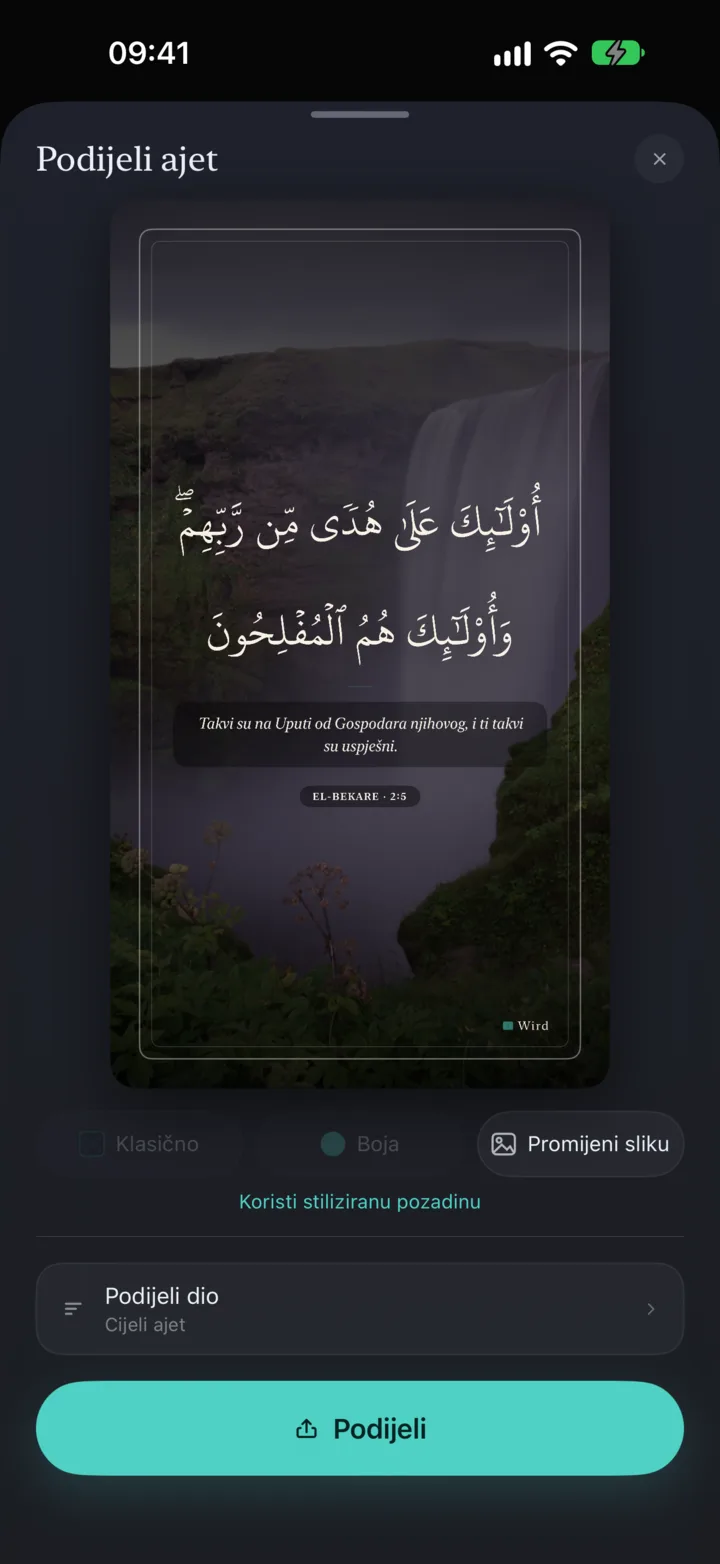
Turn any ayah into a beautiful card to share, decorated with a crescent, lanterns, arabesque or just your theme's colours, or set it over your own photo from the gallery. If you only need part of an ayah, simply trim it, together with its translation, down to the part you want to share with the world.
Insights
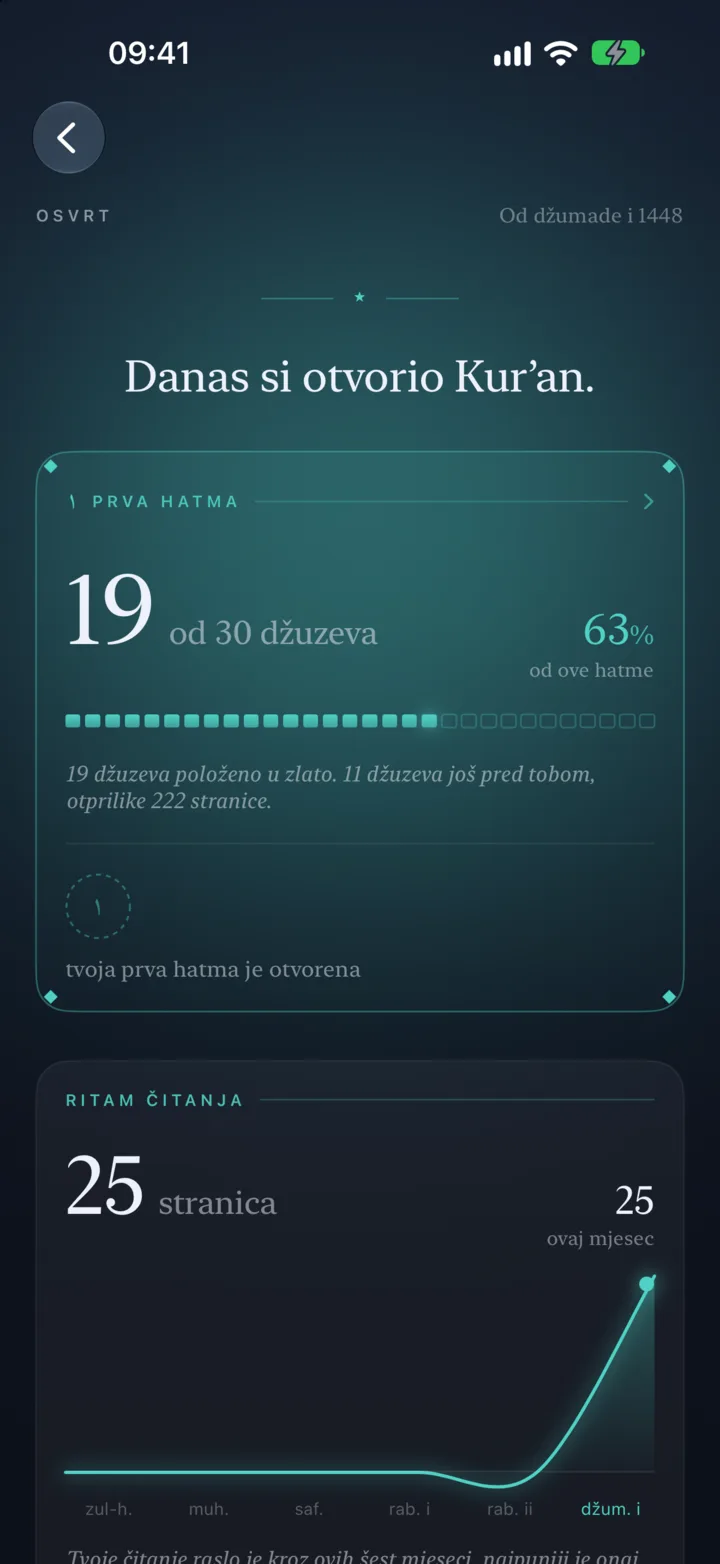
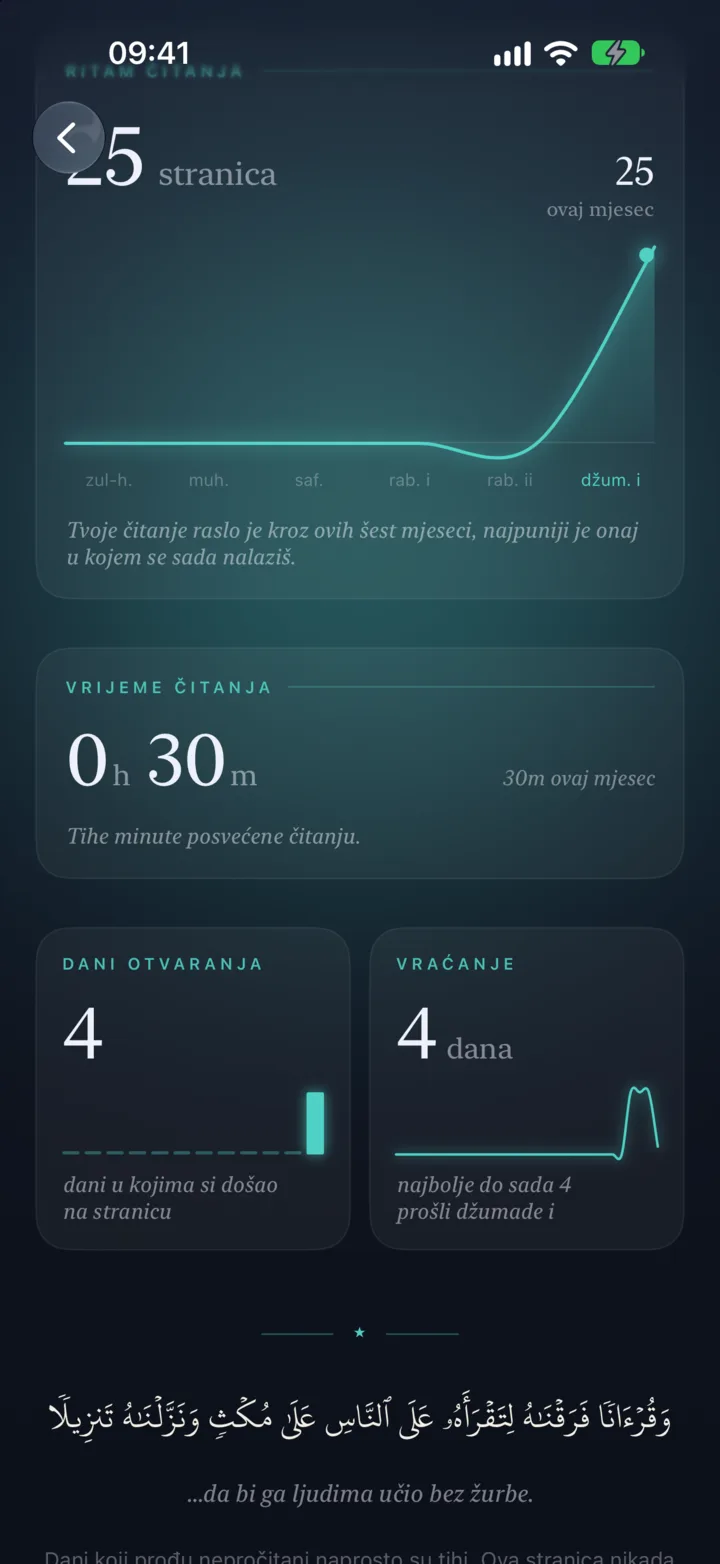
Personal insights quietly show your journey through the Qurʼan: the days you opened Wird, pages read, time spent reciting, your rhythm across the past months, your streak of consecutive days and the khatmas you completed. All of it stays only on your phone. This is no competition, and nobody but you can see it.
Ayahs that change a life
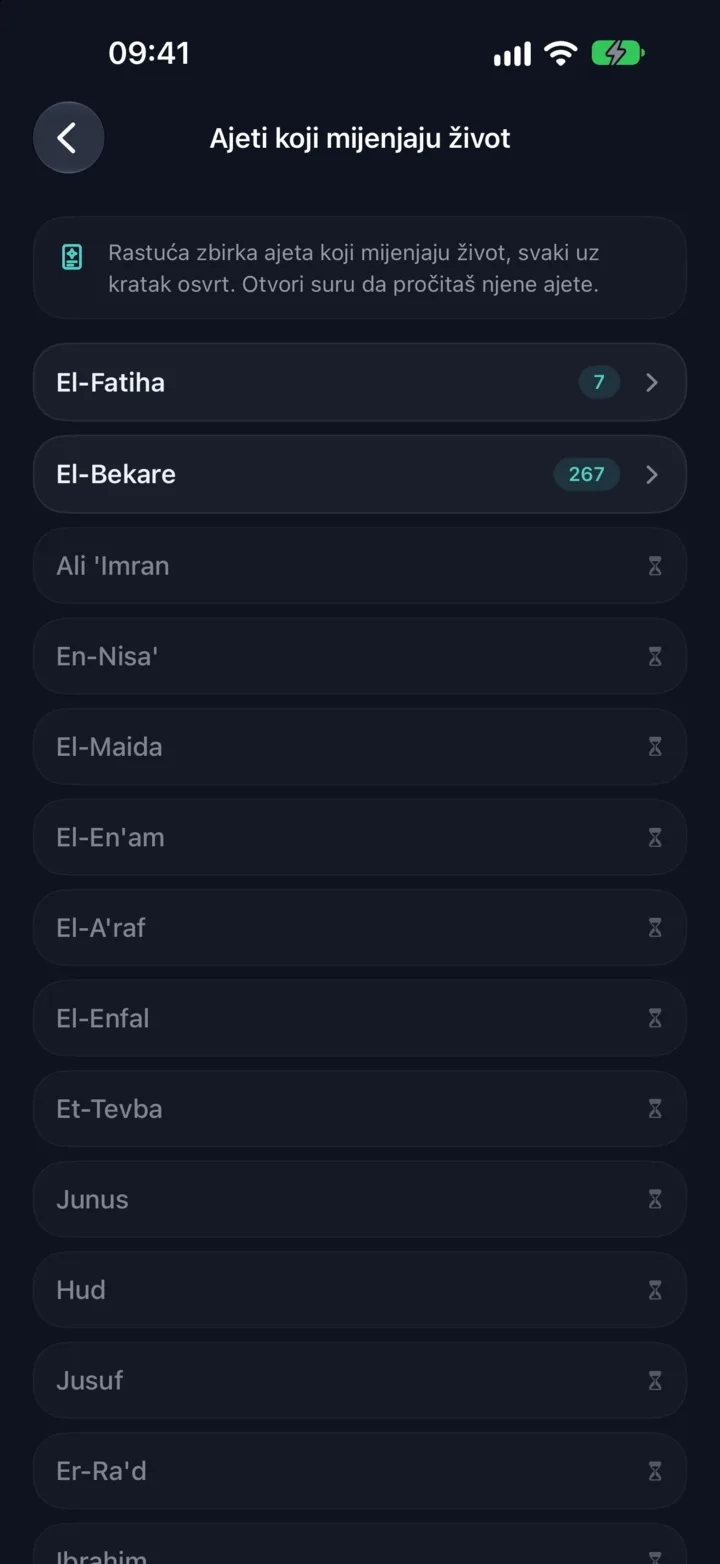
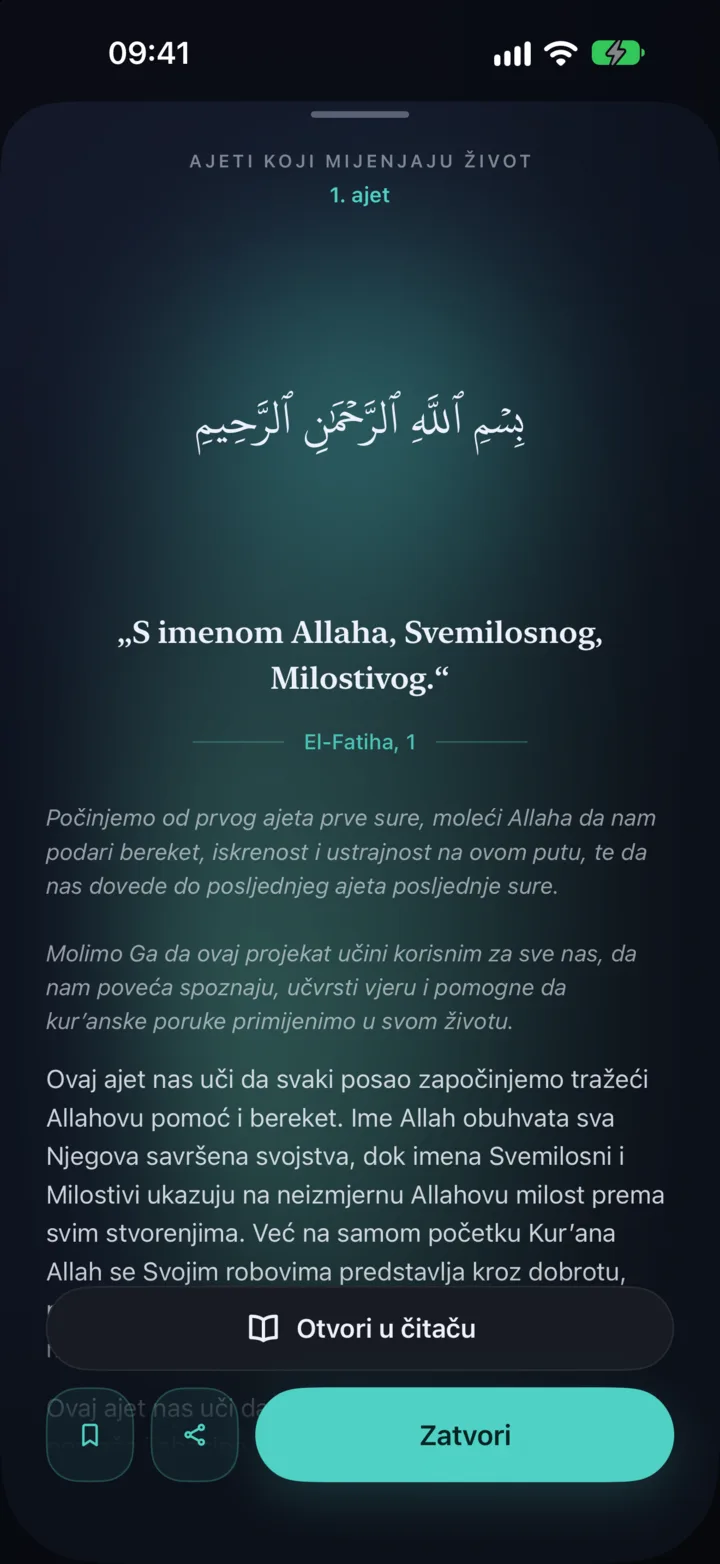
Every day you are greeted by one ayah with a short, clear explanation prepared by qurra hafiz Sead Kumro. It arrives as a calm notification that opens full screen, and you can browse the whole series later inside the app too.
Widgets and wallpapers
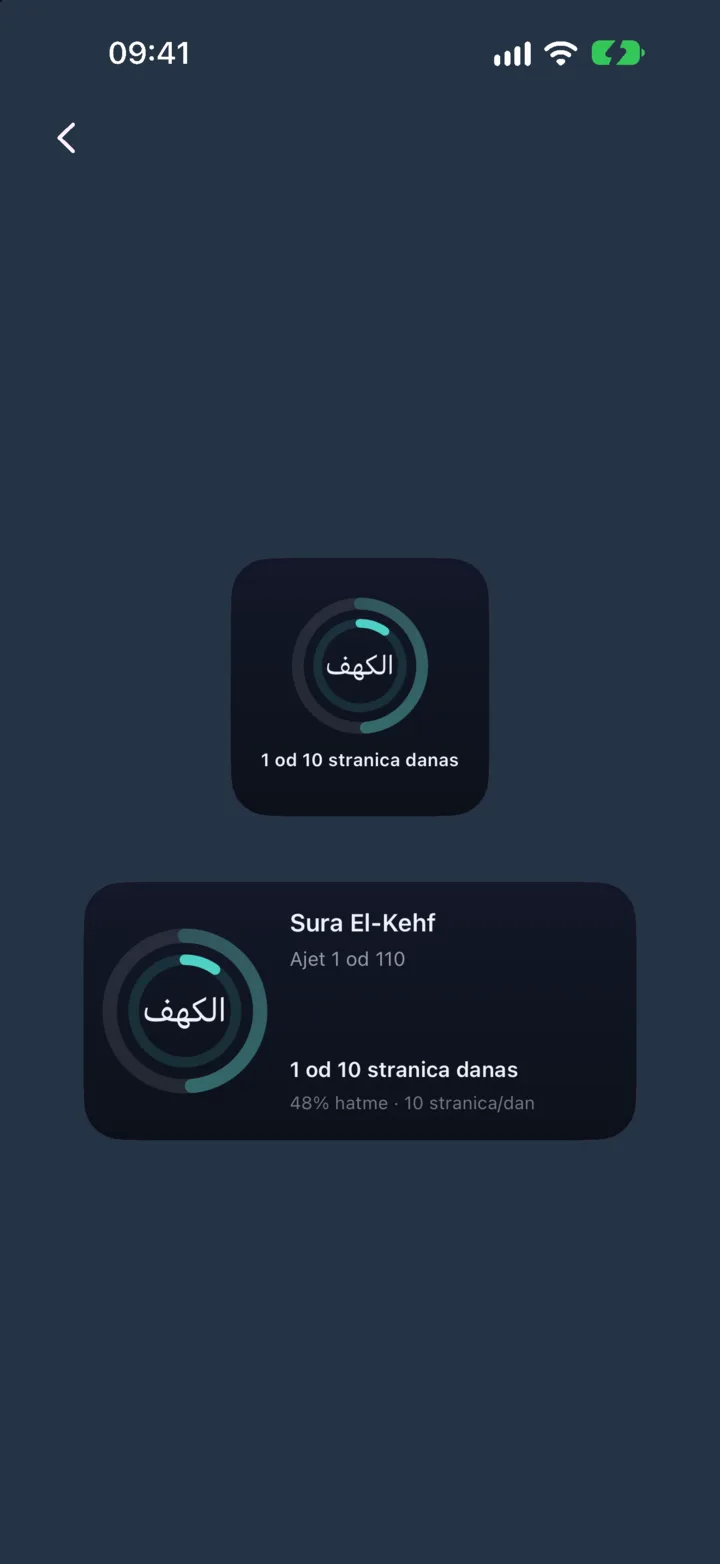
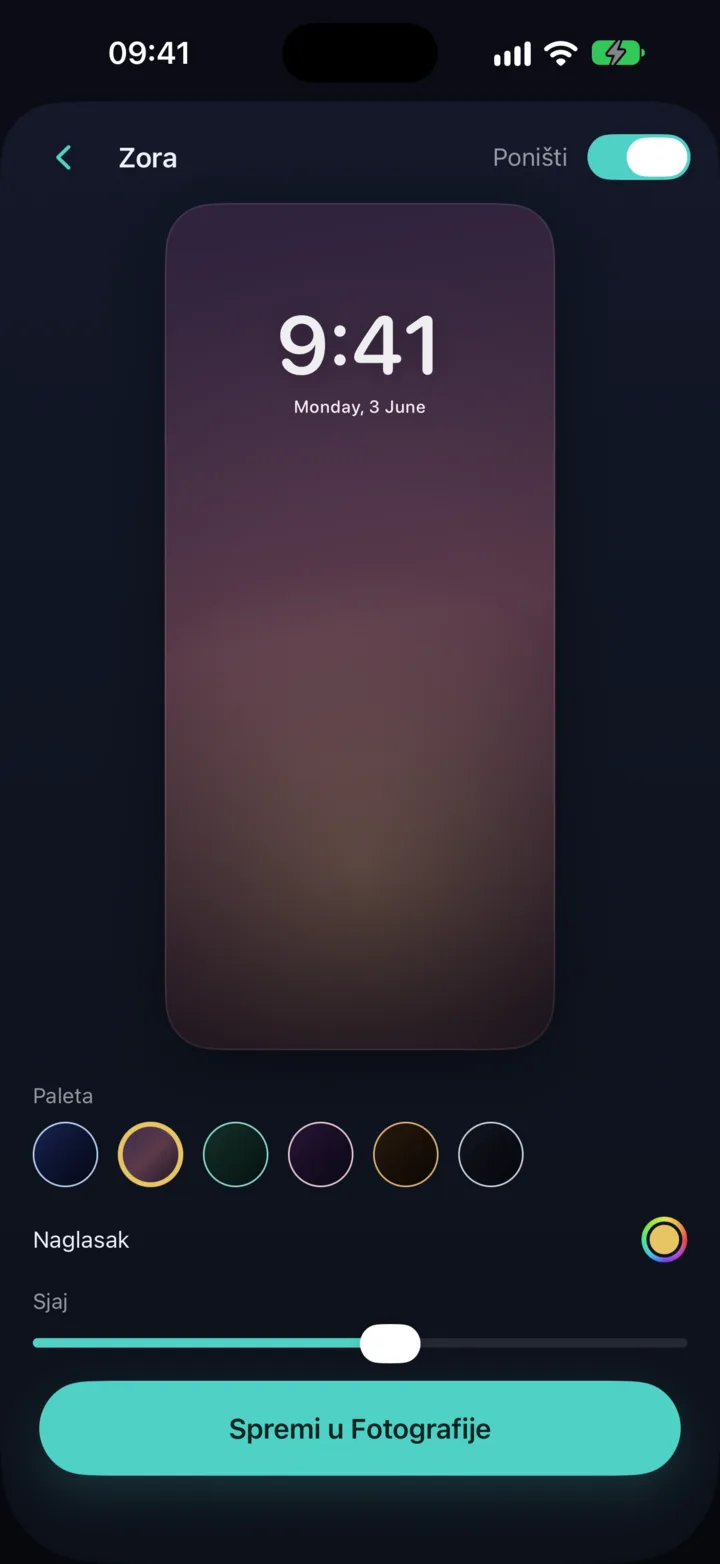
Widgets on your home and lock screens show your khatma progress and the ayah of the day at any moment, in the colours of your theme. From a rich library of templates you can also put together a calm wallpaper for your phone, adjust its colours and details and save it at full resolution.
Reminders

Set a reminder for exactly the time that suits you best and choose whether it invites you to read or to listen. Wird will skip the reminder on its own on days you have already read, so it doesn't burden you with something you have already done.
Live halaqa circles and lectures


When you want to recite in front of a sheikh, Wird offers a live halaqa where participants recite one at a time, and only the sheikh and the person the sheikh is listening to can hear each other, so everyone recites to the sheikh in private. Over the same platform a sheikh can also give a live lecture, with picture and sound, to everyone who joins. Your recitation history always gives you a clear overview of every halaqa you recited in, with the exact time it started and ended.
Themes
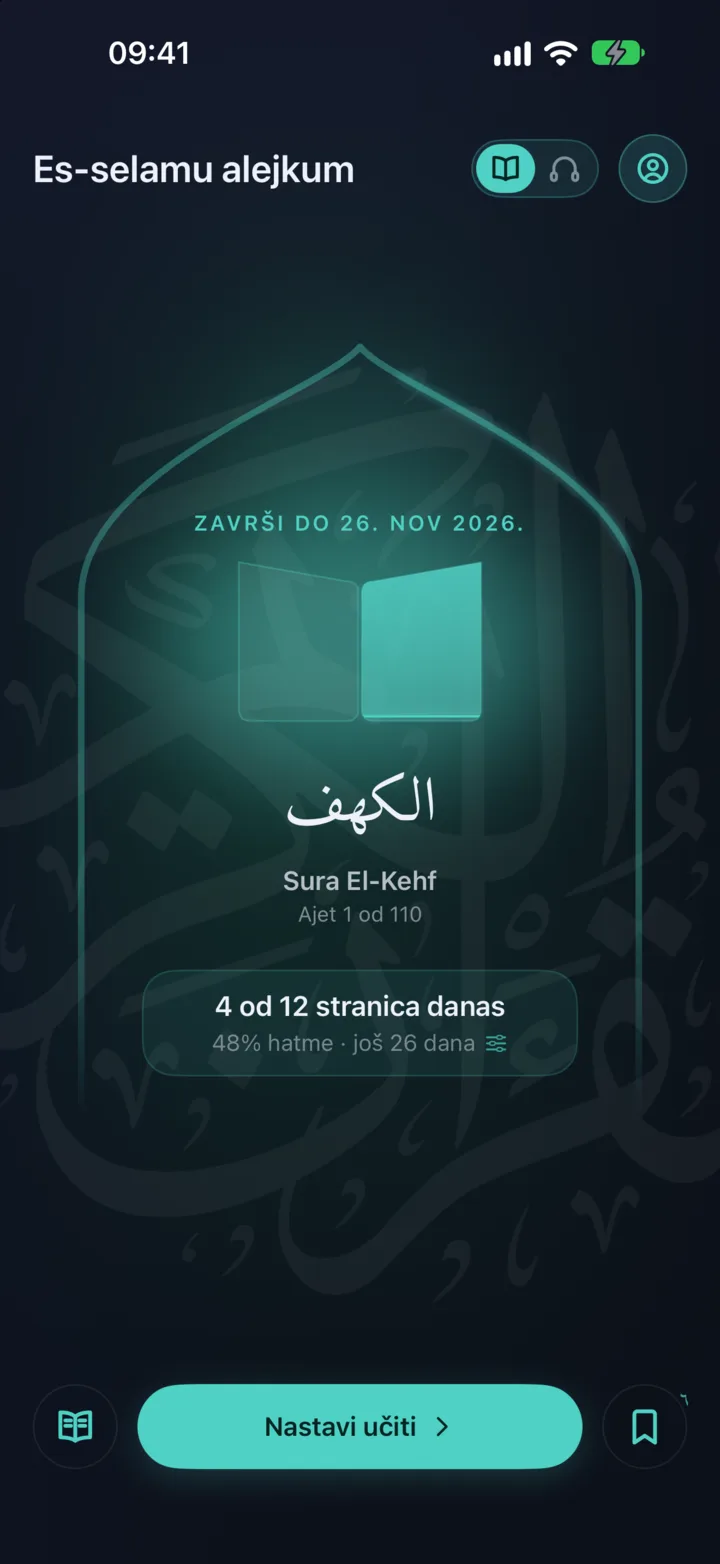
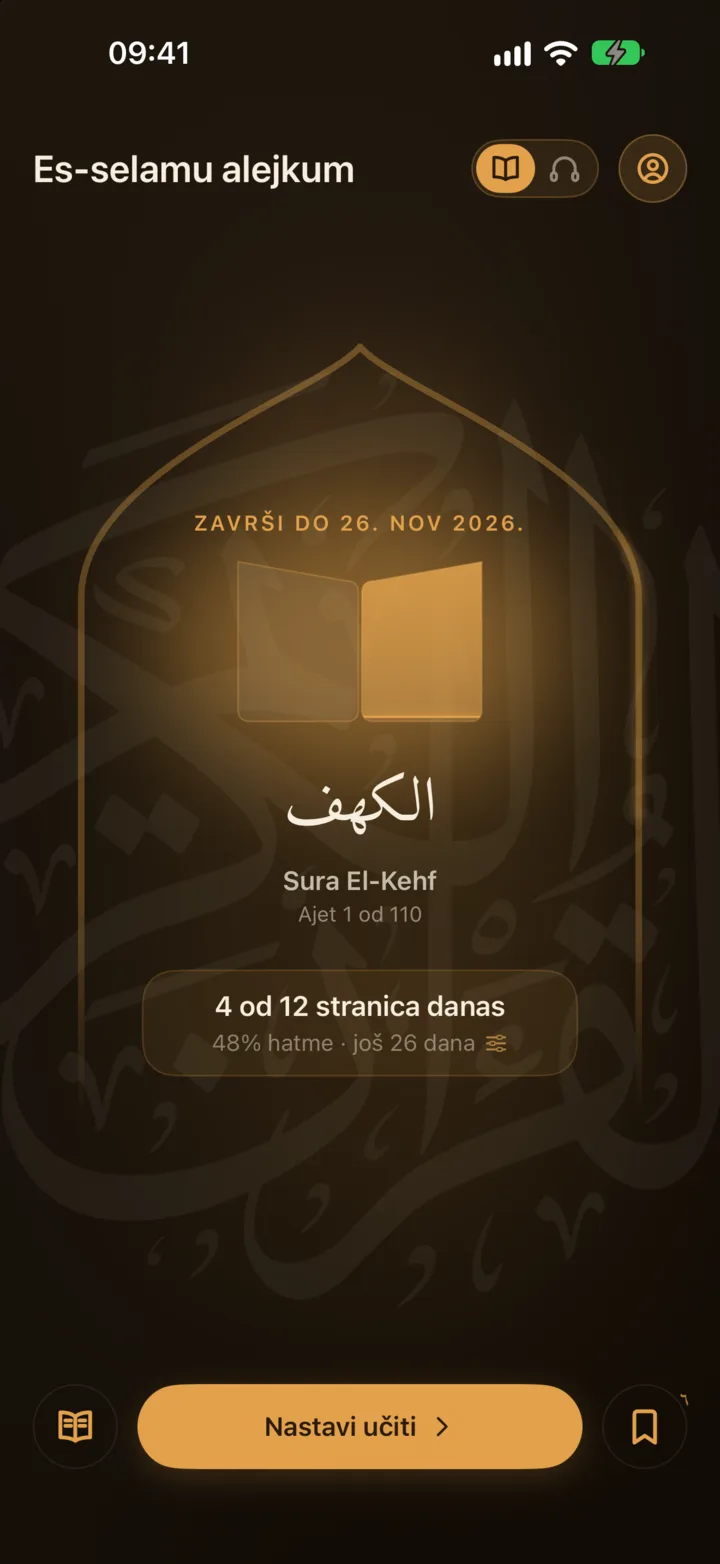
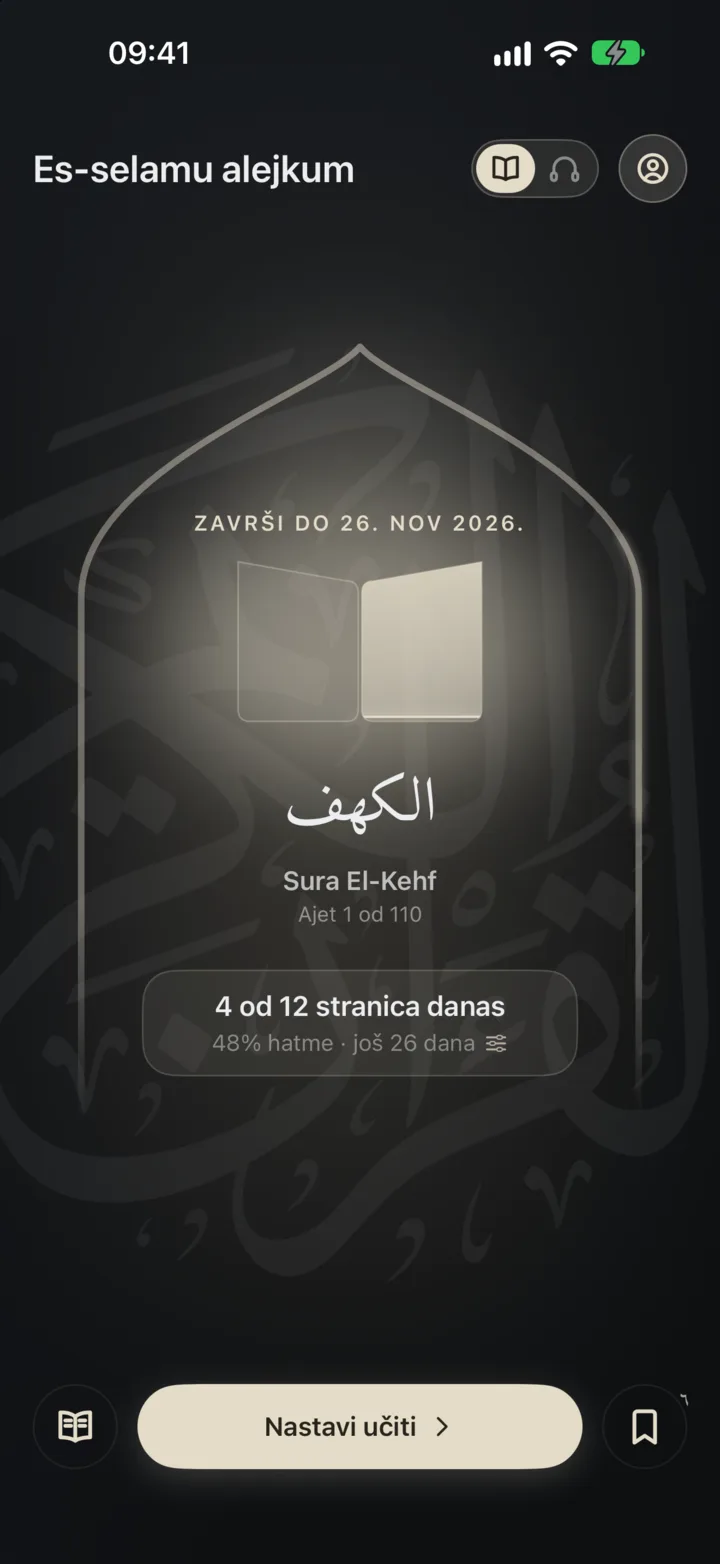
Wird comes in several carefully chosen dark and light themes, and you can let it move automatically to a new theme every time you complete a khatma. You choose the app icon completely separately from the main colours.
Deep focus (iPhone)

On iPhone you can block the apps that usually distract you while you read or listen, so that for those few precious minutes your phone is literally just a mushaf.
A few more things
And finally, a few small things: you can export all your progress, streak and notes in one go to a single file and import it again on another phone, with no account and no servers at all. In the blessed days of Ramadan Wird takes on a special look, and you can plan your khatma so that you finish it in exactly one month. On iPad Wird uses the whole screen, with a wider reading column and settings at the side.
Finally
All of this is here to help you, but none of it is an obligation. Wird still does, above all, what it was made for: open it, read as much as you can at that moment and tomorrow carry on from exactly that spot. Use the rest only when you really need it.